Learn more
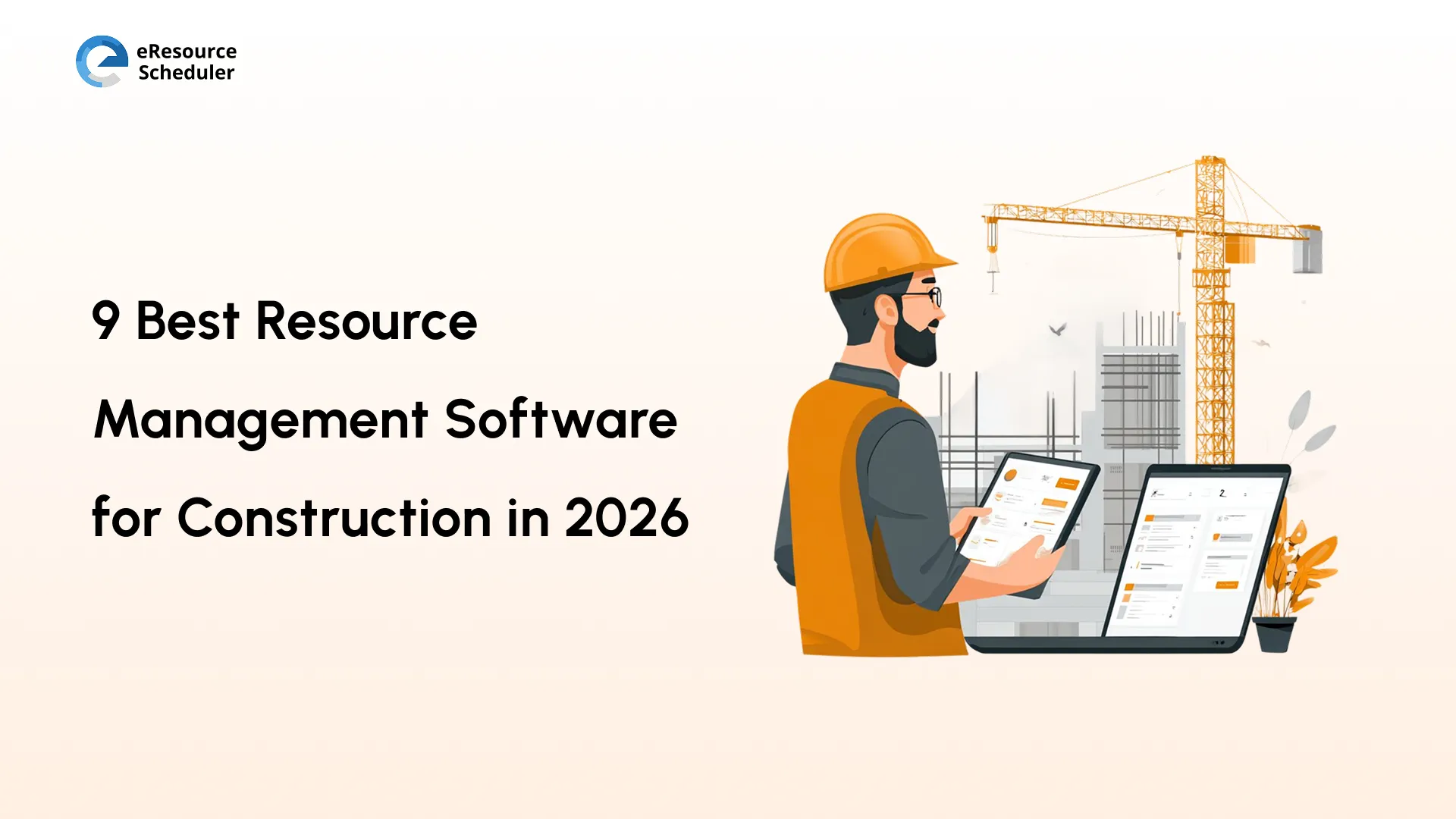
Most construction projects do not fail because of a bad design or a weak crew. They fail because the right people were not in the right place at the right time. A specialist is double-booked. A piece of equipment sits idle at one site while another is waiting for it. A subcontractor shows up, and there is no one to coordinate with them.
If you spent any time managing construction resources, you know how fast a small coordination gap turns into a cost overrun. The good news?
Resource management software for construction has come a long way. The tools on this list do not just digitize your spreadsheets. They give you real time visibility, intelligent scheduling, and the kind of cross-site coordination that used to require three project managers and a lot of phone calls.
In this blog, we break down what construction resource management software actually needs to do, compare the top 9 options available, and help you figure out which one your team will actually use.
Before we get into the tools, let us talk about what actually matters. Not every tool in a software brochure is a feature your site actually needs.
Construction projects fail at the planning stage more often than at the execution stage. Scheduling conflicts between crews, equipment, and subcontractors tend to snowball fast. Good resource management software should let you assign resources to specific tasks, visualize the full project timeline, and flag clashes before they happen. Look for drag-and-drop scheduling, dependency mapping, and the ability to manage multiple projects simultaneously.
Did You Know?
Organizations using the software save an average of 498 hours per employee annually. For a 10-person construction team, this is nearly 5,000 hours recovered every year. Enough to deliver an entire additional project phase without adding headcount.
Construction is inherently unpredictable. Whether delays, material shortages, and last-minute design changes are not exceptions; they are part of the job. Software that lets you run scenario simulations, track risk-prone tasks, and model resource adjustments helps your teams stay ahead of problems. Effective construction resource planning software should give project managers the tools to model risk without needing a spreadsheet specialist on call.
Construction sites today run on live data. Your resource management software should support cloud access, mobile use, and integration with tools your team is already using. If your project manager is updating schedules at headquarters while the site supervisor is reading a two-day-old printout, it is a problem. One that the right software can solve.
Getting the right resource to the right job is the whole point. An intelligent allocation system helps you match your skills to tasks, balance workloads across projects, and avoid the dual problem of overutilized crew members and idle equipment. The best construction resources management software does this across your entire portfolio, not just one project at a time.
You should never have to wonder where your resources are or how a project is tracking. Live dashboards, utilization reports, and availability heatmaps give project managers and leadership a single view of what is happening across all active sites. This is what turns reactive management into proactive decision-making.
Communication breakdowns are the single most common cause of project delays. When different project roles, i.e., field crews, subcontractors, project managers, and clients, are working from different versions of the same information, things go wrong. The right software centralizes communication and keeps everyone on the same live data. No chasing email threads. No outdated PDFs.
Construction margins are tight. Equipment downtime, crew overtime, and subcontractor miscommunication all chip away at profitability. Resource management software that tracks costs, flags overruns early, and gives you accurate financial forecasting helps you protect those margins before the damage is done.
Now that we know what to look for, let us get into the actual tools.
| Tool/Software | Key Features | Pricing (Billed Annually) |
| eResource Scheduler | Drag-and-drop scheduling, capacity planning, financial reports, custom fields, utilization heatmaps, multi-project view | From $5/resource/month |
| Procore | Project management, financials, quality & safety, field productivity | Custom (ACV-based) |
| eSub Construction Software | Subcontractor scheduling, time tracking, mobile field management | Custom |
| Fieldwire | Task management, blueprint viewing, punch lists, field reporting, plan markups | From $39/user/month |
| Buildertrend | Scheduling, daily logs, client communication, document management | Custom (volume-based) |
| CMiC | ERP for construction, job costing, project controls, and HR | Custom (enterprise) |
| BIM 360 | BIM coordination, document management, quality & safety | Custom |
| GanttPRO | Gantt chart scheduling, resource workload, time tracking | From $7/user/month |
| Contractor Foreman | Estimating, scheduling, safety, time tracking, client portal | From $49/month |
eResource Scheduler is an enterprise resource management software designed for organizations that need to manage people and assets across multiple active projects. Construction companies use it to schedule field crews, engineers, equipment, and subcontractors from a single centralized view. Without the chaos of overlapping spreadsheets.
On a construction site, visibility gaps are expensive. eResource Scheduler gives project managers, resource managers, and leadership a live view of who is assigned, who is available, and where conflicts are forming. Instead of finding out about a double-booking the day it surfaces, you catch it a week in advance.
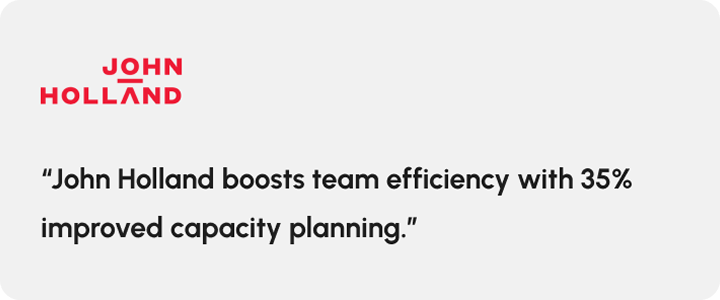
Teams managing parallel projects across multiple sites, just like John Holland in rail, energy, and building construction, have used eResource Scheduler to move from reactive scheduling to a single live view shared across field and office.
A comprehensive construction management platform designed for large-scale general contractors and enterprise firms. It connects project management, financial, quality, safety, and field productivity in one place.
Built for construction from the ground up, it is one of the few feature-complete tools on this list. The unlimited user model means you can bring subcontractors and clients into the platform without worrying about per-seat costs.
On the flip side, pricing is based on Annual Construction Volume (ACV) and is not publicly listed. Smaller contractors often find the cost prohibitive, with annual contracts typically ranging from $15,000 to $80,000 or more depending on project volume. The implementation timeline can also be significant.
A cloud-based construction management tool built specifically for contractors. It focuses on field-to-office communication, daily logs, and workforce scheduling. If your business is primarily trade-focused (electrical, mechanical, plumbing), the workflows are designed for exactly how you operate. The mobile-first approach means field crews can update logs without leaving the site.
However, as it is purpose-built for subcontractors, general contractors managing full projects may find the features limiting. Integrations with broader ERP systems can also require additional setup.
A field-first construction task management platform. It connects office teams and field crews around drawings, tasks, and inspections in a single shared workspace. Field crews can view the latest drawings, log issues with photos, and complete punch list items directly from their phones without needing to call the office for updates. For general contractors and specialty contractors managing fast-moving sites, the reduction in back-and-forth time alone justifies the adoption.
Although it is strong with field execution, it is not a full resource management tool. You will still need a separate system for workforce planning, capacity forecasting, and project financials. For teams that need an all-in-one solution, it works best alongside a broader system rather than as a standalone.
A web-based construction management tool for home builders, specialty contractors, and remodelers. It covers scheduling, client communication, document handling, and financial tracking. The client portal and communication tools keep homeowners informed, reducing the volume of status calls your team has to field.
It is primarily designed for residential and production builders; thus, commercial contractors managing multi-site projects with complex workforce allocation may find the features too basic.
An enterprise-grade construction ERP platform used by large general contractors. It covers project management, financials, human resources, and field operations in a single integrated system. For large firms running complex multi-project portfolios, the depth of financial and operational reporting is a genuine differentiator.
On the other hand, it is complex to implement and requires significant training investment. Mid-market firms often find the cost and implementation timeline hard to justify. User reviews also highlight a steep learning curve.
A cloud-based platform for construction coordination, document management, and quality and safety management. Most widely used by firms that work heavily with BIM models and design collaboration with architects and engineers. It seamlessly integrates with other tools in the same ecosystem, which provides a practical advantage if you are already using them. The clash detection and model coordination capabilities reduce costly rework during construction.
However, it is not a true resource management tool. Workforce and equipment management require additional integrations. Pricing is also on the higher end, which can be overwhelming for smaller teams.
An online project management tool built around Gantt visualization. It is used across industries, including construction, for timeline planning, resource workload management, and team collaboration. If your team is currently managing projects in spreadsheets or basic calendar tools, this offers a meaningful upgrade without the complexity of a full construction ERP.
On the flip side, it is a general project management tool, not a construction-specific one. You will not find construction-native features like equipment scheduling, field crew management, or a job site safety checklist.
An all-in-one construction management tool for small to mid-size contractors. It covers estimating, scheduling, time tracking, safety, and client communication. It offers strong value for smaller construction businesses that need broad functionality without enterprise pricing.
However, it lacks the depth needed for large or enterprise-grade construction operations. Multi-project portfolio management and advanced reporting are also limited.
With the tools laid out, the next question is, how to actually pick the right one for your business.
There is no single best tool for every construction firm. The right choice depends on how you work, how big your team is, and where your current process is breaking down. If you want a deeper framework for evaluation tools against your project life cycle, our blog on construction resource allocation challenges covers the common pitfalls worth knowing before you decide. Here are the criteria that matter most.
If you are managing five projects today and planning for fifteen next year, make sure the software scales with you. Some tools price per user, others per project, and others based on your total construction volume. Understand how costs change as your team and project load grows before you commit.
Your resource management software does not live in a vacuum. It needs to connect to your accounting system, HR tools, and communication platforms. Check the native integrations list before buying, and verify whether the connections you need require extra setup or added cost.
No two construction firms operate the same way. Look for software that lets you configure custom fields, project types, and reporting views to match your team’s working style. Not how the vendor thinks you should work.
The best software is the one your team will actually use. A powerful platform that takes weeks to learn and generates user resistance is not better than a simpler tool with high adoption. Ask about training support and the typical onboarding timeline during the demo.
Be honest about the total cost of ownership, not just the advertised subscription rate. Factor in implementation, training, integrations, and the cost of any add-on modules you need. Some tools have low headline pricing but expensive extras.
Construction projects involve sensitive financial data, contract terms, and client information. Make sure the software supports role-based access control, data-encryption, and compliance with relevant data protection standards. For firms working on government or regulated contracts, this is especially important.
Your site supervisor is not at desk. They need to access schedules, log updates, and communicate issues from the job site. Mobile-first design, offline capabilities, and easy field reporting are not optional features; they are now baseline requirements.
When something breaks during a project, you need help fast. Check whether your plan includes live support, what that response time commitments are, and whether there is a dedicated account manager. For enterprise deployments, this matters more than almost any feature on the spec sheet.
Pro Tip
Before booking demos, shortlist no more than three tools and prepare a standard set of questions for each vendor:
• How does pricing change if we add more resources?
• What is the typical onboarding timeline for a team of our size?
• Do you have existing customers in construction who can speak to their experience?
This keeps your evaluations consistent and makes the final decision much easier.
Construction resource management software is no more a luxury. With the construction management software market growing at a CAGR of over 20% through 2035, the firms investing in better resource visibility are the ones that will outperform their competitors on delivery, cost control, and client confidence.
The nine tools in this list serve different types of construction business. Companies with firms with complex ERP needs will look for CMiC or Procore. Residential builders will lean towards Buildertrend. Teams that need multi-project resource scheduling without the enterprise overhead will find eResource Scheduler hits the right balance of depth and usability.
The goal is not to find the most powerful tool. It is to find the one your team will actually adopt, trust, and use to make better decisions on every project.


Plan Smarter. Schedule Faster. For Free.
Join thousands already using eResource Scheduler to align teams, time, and tasks seamlessly.
 ALL FEATURES INCLUDED