Learn more
You promised a client their favourite engineer would lead the new project. Then realized on Thursday afternoon that they are already stretched across two other deadlines. Now you are either breaking a promise or burning out your best person, and neither option feels like a good choice. Has this ever happened to you?
This is the exact mess workforce planning tools prevent. They give you a clear picture of who is free, who is overloaded, and who actually fits a task before you make a call. Whether you are staffing one project or planning headcount for the year, good workforce planning software takes the guesswork out.
We looked at where the market stands in 2026 and put together this list so you can compare your options in one place before you commit to any of them.
| Tool | Known For | Starting Price (Annually) |
| eResource Scheduler | Enterprise-grade resource management and scheduling depth at mid-market pricing | $5/resource/month |
| Runn | Visual capacity planning for smaller teams | $7/resource seat/month |
| Workday | Enterprise HR and workforce planning in one suite | Quote-based |
| Visier | People analytics and workforce forecasting | Quote-based |
| Planful | Scenario planning tied to finance and headcount | Quote-based |
| Anaplan | Connects planning across finance, HR, and operations | Quote-based |
| Orgvue | Org design and workforce transformation modeling | Quote-based |
| Deel | Workforce planning for distributed, global teams | $5/employee/month |
| UKG Pro | Complex scheduling with compliance and analytics | Quote-based |
| ChartHop | Visual headcount planning for smaller HR teams | $5/employee/month |
Now that you have the lay of the land, let’s break down what actually makes a tool a workforce planning tool in the first place.
At its core, workforce planning software helps you understand the gap between the people you have and the people you will need. You feed it your current team’s availability and skills, and it helps you map it against upcoming projects or growth targets so you are not caught off guard.
Think of it like a weather forecast for your staffing. You would not plan a construction project without checking if a storm is coming. Similarly, you should not plan your next quarter’s work without knowing whether you are understaffed. Some workforce planning tools lean toward day-to-day scheduling, while others focus on long-range headcount forecasting. The best ones let you do both without switching between five different systems.
This distinction matters more than it sounds. It is exactly what separates a tool from a spreadsheet. Let's look at why this separation is worth paying for.
When you use a workforce planning tool well, the payoff shows up in a few consistent places.
Instead of guessing whether you have enough people to hit a deadline, you get a clearer answer based on actual availability and workload data. You stop asking ‘do we have enough hands for this?’ and start knowing.

Your biggest expense is usually your people. The more you scramble for last-minute hires or contractors, the more this expense grows. A good tool shows you exactly how many people you need. So you are not overstaffing out of caution or understaffing out of blind spots.
You can match the right skills to the right tasks at the right time, so no one is sitting idle while someone else is burned out from work. A gap a workforce planning tool would flag immediately rather than leaving you to catch it after deadlines slip.
What the Numbers Say
Gartner
projects that by 2030, 60% of HR tasks will be handled by an AI agent or similar AI-driven tool.
A shift that is already reshaping how workforce decisions are made.
When people are not overworked or left twiddling their thumbs, they tend to stick around longer. A workforce planning tool helps you spot imbalances before they turn into resignation letters.
When supply and demand stay matched, your team adapts to change faster. Now you can get back the hours you used to spend on manual calculations.
These benefits sound great on paper, but they only show up if you actually use software instead of duct-taping spreadsheets together. Here is why this distinction is worth making explicit.
If your team is small and needs are simple, a spreadsheet might still get the job done. But as your business grows, manual methods start working against you fast. Here is how the two stack up.
Here's a version with more natural, varied phrasing instead of the rigid parallel-fragment pattern that's tripping the detector:
| Factor | Manual Planning | Workforce Planning Software |
| Accuracy | One wrong formula and your whole sheet is off, and you might not catch it for weeks | Catches conflicts and errors as they happen, not after the damage is done |
| Speed | You’re updating cells by hand every time something changes | Changes reflect across the board the moment you make them |
| Scalability | Works fine for ten people, then falls apart somewhere around fifty | Handles growth without needing a new system every time you add headcount |
| Reporting | Someone spends half a day pulling numbers together before a meeting | Reports are ready whenever you need them, no manual pulling required |
| Cost over Time | Errors and delays quietly add up in ways you rarely trace back to the spreadsheet | You know roughly what you’re paying and what you’re getting for it |
| Collaboration | Everyone’s working off their own version, and nobody’s sure which one is current | The whole team sees the same live data at the same time |
| Adaptability | A last-minute change means redoing half the sheet by hand | Priorities shift, and the schedule adjusts with them |
You get the idea. Software wins the moment your team outgrows a single spread tab. With this settled, let's get into the tools themselves.
We looked at features, pricing, and where each tool genuinely shines so you can shortlist the ones worth a closer look.
eResource Scheduler handles workforce planning for medium-to-large businesses across professional services, engineering, construction, and architecture. It gives you a single visual dashboard for scheduling, capacity, and budgeting instead of juggling separate tools for each.
You can see this play out at BAE Systems, a global defense and aerospace company. They needed to coordinate engineers with sensitive equipment under strict national security requirements. They turned to a self-hosted version of eResource Scheduler, which reduced scheduling clashes and gave them the compliance-ready visibility their old spreadsheets could never.
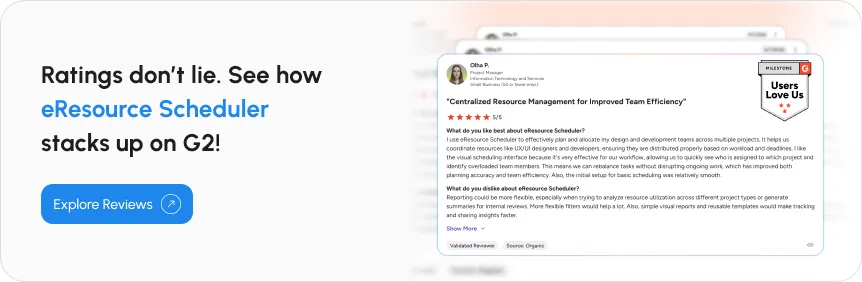
Popular with software companies and creative agencies for its ease of use and clean visual layout, Runn gives you a color-coded visual chart showing team capacity and workload at a glance.
The software works well for a smaller, fast-moving team that wants visibility without a lot of setup time.
For workforce planning bundled into a broader HR suite, Workday is a suitable option. It has AI baked into its core rather than bolted on. You also get a centralized HR database that syncs with tools like Microsoft 365.
This tool tends to make the most sense for large, multi-location organizations already invested in the broader ecosystem.
If people analytics is your concern, Visier gives HR teams and leaders a clear read on current and future resource needs, covering everything from headcount to turnover to internal mobility.
The tool shines when your priority is understanding workforce trends over time, not just filling out today’s schedule.
If you want a tool to spot skill gaps and plan for succession, try Planful. The tool also breaks down silos between departments by providing everyone a shared data source.
The software is worth a look if finance and HR need to plan headcount with the same set of numbers rather than reconciling two different systems.
Connect workforce planning to your broader finance and operations planning with Anaplan. This makes it a strong pick if you need headcount decisions in sync with budget forecasts.
It fits best when you need workforce planning inside a larger financial and operational planning process.
To balance organization design and planning, opt for Orgvue. It pulls workforce data from any source into a single view, so you can visualize your current structure and model what a future one might look like.
The tool is geared toward organizations actively restructuring or rethinking how teams and roles are set up.
Workforce planning tools are a part of Deel’s global HR and payroll platform. This makes it a natural fit if your teams spread across countries and need compliance built into the planning process.
The software makes the most sense if hiring and cross-border compliance is a bigger challenge for you than everyday scheduling.
If you need something that handles complex scheduling alongside attendance tracking, UKG Pro might be your pick. This makes it a solid choice if your workforce planning needs are tightly tied to shift-based operations.
This tool leans toward operations-heavy teams that need scheduling and compliance tracking handled together and not as separate tools.
Want to break free from spreadsheets without jumping into an enterprise-scale system? ChartHop gives you a visual, customizable way to handle headcount planning, budgeting, and scenario building.
The tool is a good middle ground if you have outgrown spreadsheets but you don’t need the complexity of an enterprise suite yet.
Ten strong options, but picking the right one still comes down to your own priorities. Here is what to do before you decide.
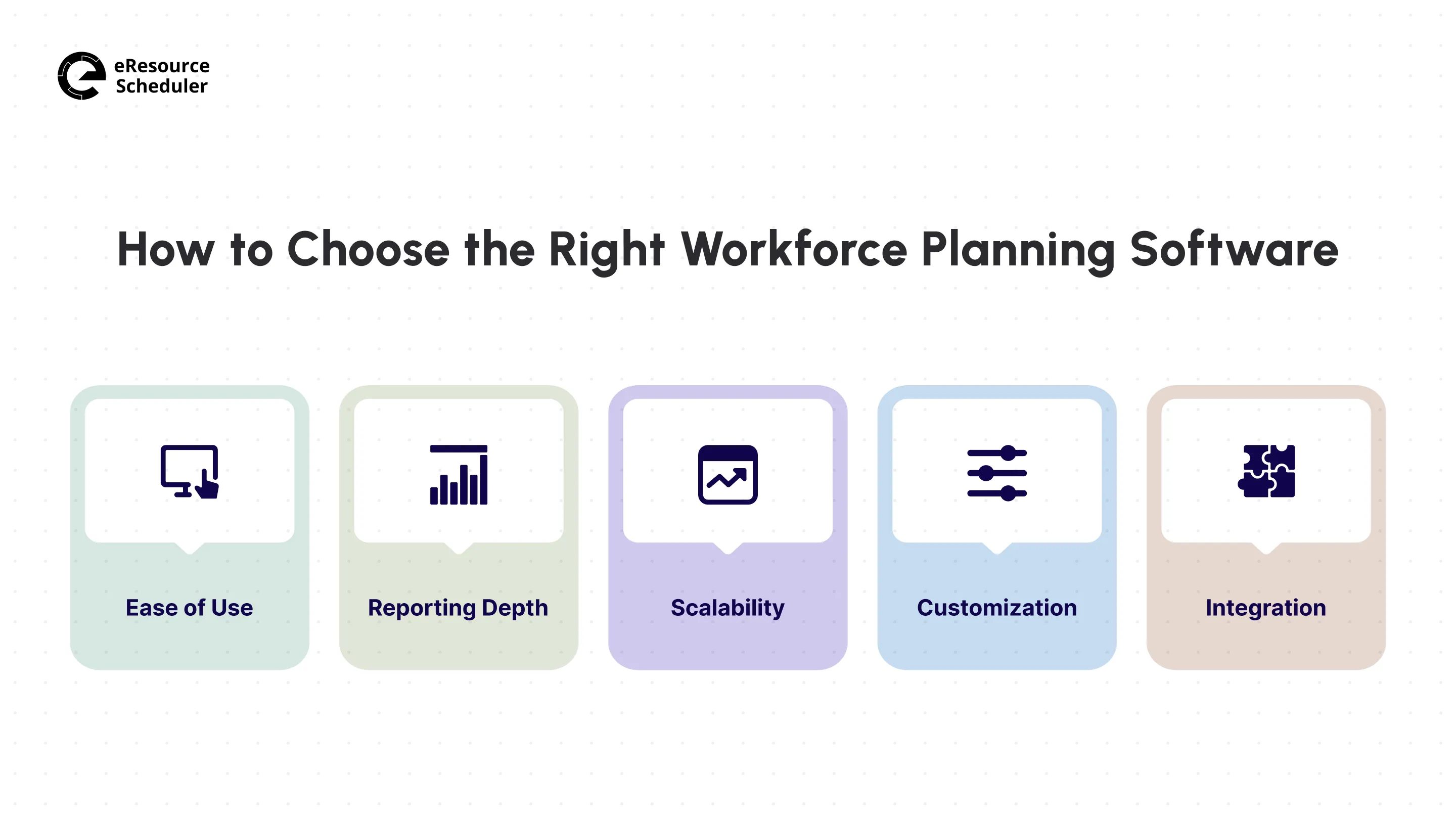
Even with a shortlist in hand, picking one is not always straightforward. A few things worth checking before you commit:
1. Ease of Use: A steep learning curve kills adoption fast. Pick something your team can pick up within the first week, or they will quietly go back to spreadsheets instead.
2. Reporting Depth: Strong analytics turn raw data into decisions you can act on immediately. Look for reports you can hand straight to leadership without reformatting them first.
3. Scalability: Ask how features change as your headcount doubles, not just what you get on day one. A tool that works for twenty people should still work at two hundred people.
4. Customization: You want the software to fit your workflows, not force you to change how the team operates. Rigid tools that ignore this usually get abandoned within a few months.
5. Integration: Check if the software connects with the tools your team is already using (calendar, payroll, or project management system). Gaps here cause more friction than almost anything else.

Once you have weighed these against your own team’s size and complexity, the right choice tends to become obvious pretty quickly.
Smaller teams with straightforward scheduling needs will likely get more mileage out of a lighter, visual-first tool like Runn than an enterprise suite. But once your project crosses time zones, involves strict compliance requirements, or mixes human and non-human resources, such as equipment and facilities, the calculus changes. Enterprise software like eResource Scheduler handles this kind of problem.
If you are still torn between two finalists, the deciding factor usually is not a feature on a spec sheet. It is whether the tool matches how complex your actual scheduling problem is today, not how complex you expect it to become someday. Most teams overbuy for a future that takes years to arrive, or underbuy to manage the chaos already visible in next week’s calendar.

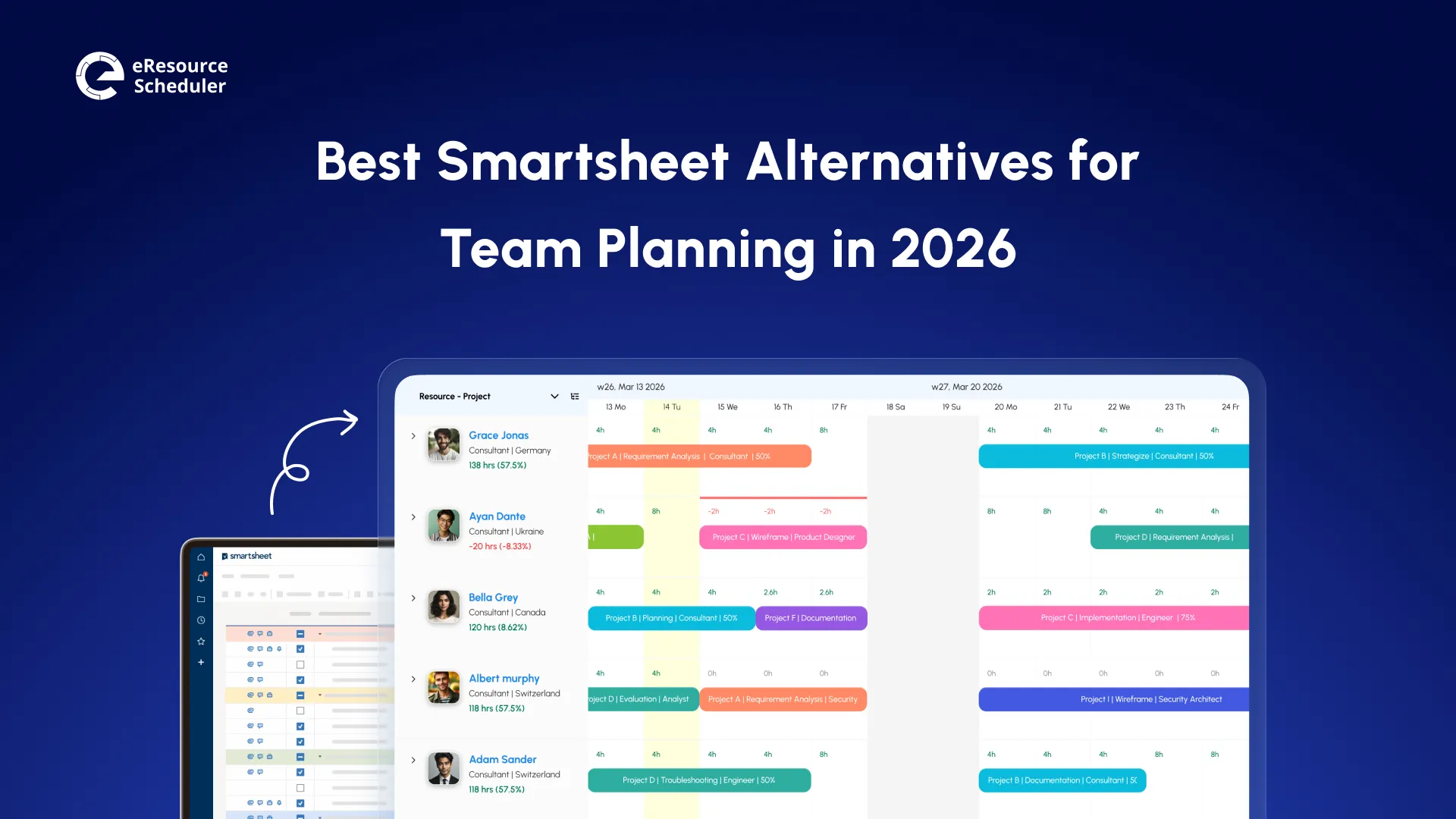

Plan Smarter. Schedule Faster. For Free.
Join thousands already using eResource Scheduler to align teams, time, and tasks seamlessly.
 ALL FEATURES INCLUDED