Learn more
Running a team without a real scheduling system feels a lot like juggling while riding a bike. You can pull it off for a while, but one missed shift or double-booked resource, and everything wobbles. If you have ever stared at a spreadsheet at 9 PM trying to figure out who is free tomorrow, you already know why this matters.
An employee scheduling app takes this guesswork off your plate. It gives you one place to see who is working, who is free, and where your team’s capacity actually stands, rather than piecing it together from memory, texts, and half-updated sheets. When you are thinking about scheduling in terms of capacity, tools designed for resource capacity planning start to matter a lot more than basic rota apps.
In this blog, you will find eight scheduling apps worth your attention, what each does well, and how to pick the one that fits your business rather than just the one with the flashiest homepage.
A scheduling app provides you with a live view of your workforce. You can see who is on shift, who is on leave, and who has capacity for more work (without a single follow-up message). Most modern tools go beyond a basic calendar too. You get shift swapping, time-off requests, availability tracking, and often a way to check everything from your phone. So you are not chained to a desktop just to approve a schedule change.
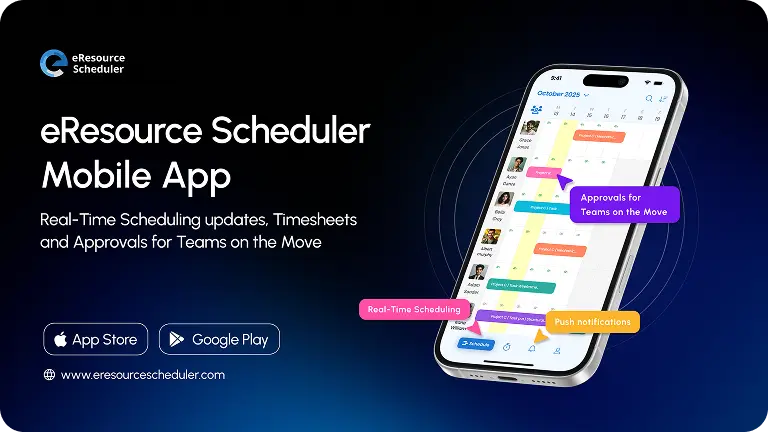
This last part matters a lot. If your team is spread across sites or working hybrid schedules, you need something you can manage on the move. This is where a well-built mobile scheduling app pulls its weight, letting you approve a swap or fill an open shift from your phone between meetings.
Here is the part most businesses underestimate. Scheduling is not just an HR activity. It is a direct line into your labor costs. When you do have a clear view of who is available and what your actual demand looks like, you end up over-scheduling out of caution, padding shifts just in case rather than staffing to what the day actually needs. This number quietly inflates payroll without anyone noticing until the numbers show up at quarter end.
Multiply this across a full year, and you are looking at a meaningful chunk of budget lost to nothing more than your poor visibility. A good scheduling app closes this gap. You stop scheduling defensively and start scheduling based on what your team actually can handle. This is the entire point of managing capacity instead of just managing shifts.

Once you see scheduling as a capacity problem and not just a rostering task, the next question becomes practical. How do you pick the right tool for your business, given how different every team’s needs are?
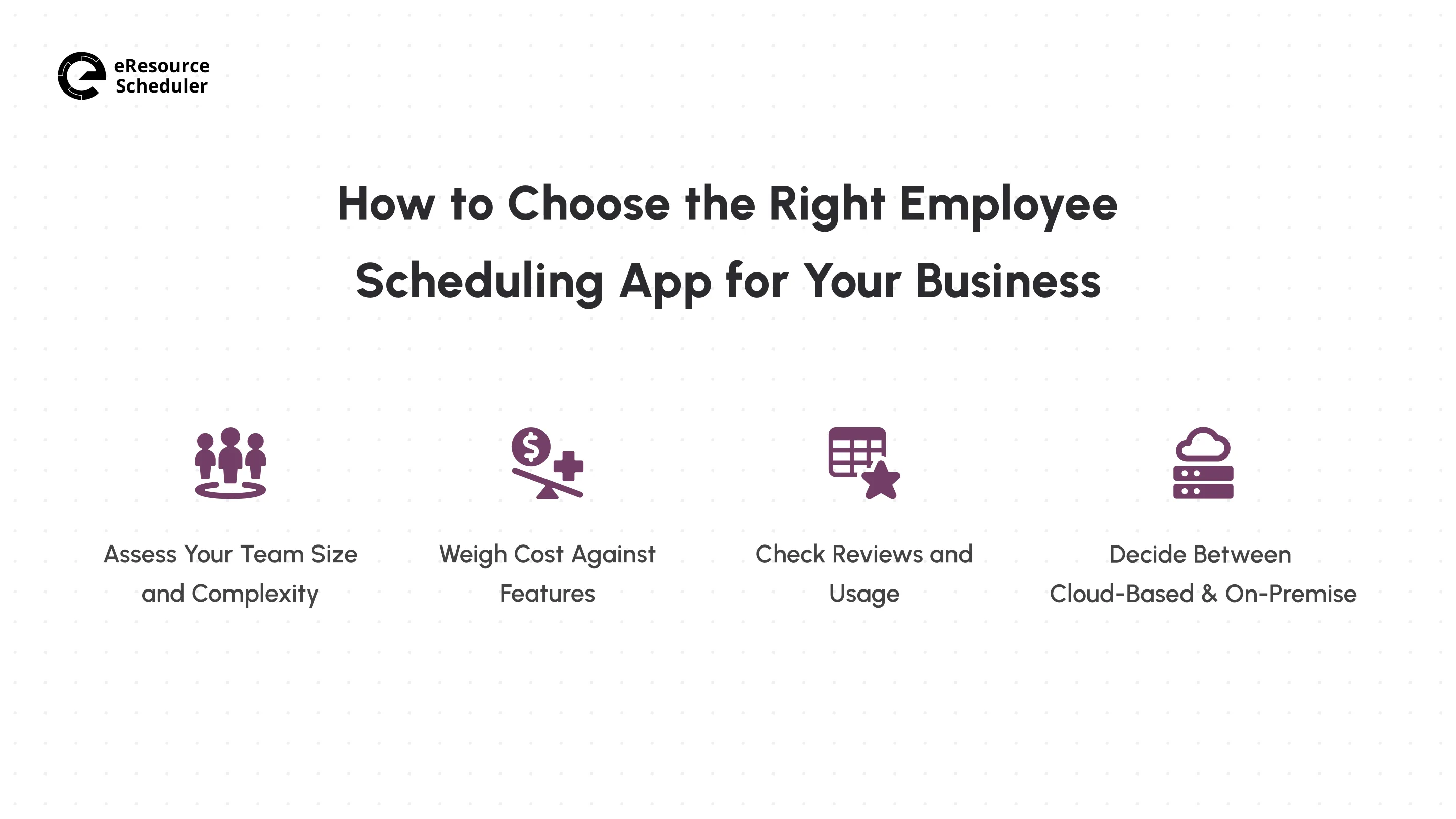
Before you go ahead with comparing apps, it helps to know what you are actually optimizing for. Not every business needs the same features, and paying for capability you will never touch is its own kind of inefficiency.
If you are running a five-person team, you do not need enterprise-grade forecasting. A simple, easy-to-set-up tool will do the job. But once you are managing multiple departments, shift patterns, or locations, you need something built to handle this complexity without turning into a second full-time job to maintain.
Plenty of free scheduling apps exist, and some are genuinely useful for small teams. The catch is that free plans usually cap out fast, either on user count or on the features you actually need. Compare what you are getting against what you will need in a year or so.
Marketing pages are designed to make every tool look flawless. Real user reviews tell you what breaks, what support is actually like, and whether the app holds up once you are using it daily rather than testing it during a demo.
Most businesses today lean cloud-based, and for good reason. It is cheaper to set up, easier to scale, and you are not stuck managing servers. On-premises still has a place if you have strict data residency requirements, but for most teams, cloud wins on speed and cost alone.
Pro Tip
Test the app with your messiest week, not your easiest one.
Load in a week with last-minute call-offs, overlapping time-off requests, and a shift swap or
two, and see how much manual cleanup it still takes.
Once you know what you are looking for, it is time to see how the actual options stack up against each other and your specific needs.
Every tool on this list solves scheduling a little differently. Some are built for shift-heavy industries like retail and hospitality; others lean into resource planning for project-based teams. Here is where each one stands out.
Before you dig into the individual write-ups, the quick comparison should help you narrow things down based on what you actually need.
| App | Best For | Pricing Tier |
| eResource Scheduler | Multi-project teams managing scheduling, capacity, and utilization | Modular pricing from $5/resource |
| Homebase | Small hourly-wage teams | Plans from $24/location |
| Deputy | Shift-based small businesses | Plans from $5/user |
| When I Work | Multi-location shift teams | Location-based plans from $2.5/user |
| Hub Planner | Mid-sized resource-driven teams | Flow-based plans from $7/resource |
| Humanity (TCP Software) | Enterprise workforce management | Custom quote-based pricing |
| 7shifts | Restaurants and food service | Plans from $39.99/location |
| Connecteam | Deskless and field teams | Hub-based plans from $29/month |
Most shift apps only tell you who clocked in. eResource Scheduler is designed to answer a different question. It answers the question of who actually has room to take on more work right now. This shift in focus (from attendance to capacity) is what makes it a fit for teams running multiple projects at once rather than fixed daily shifts.
Honeywell used the software to bring order to this chaos of complex, cross-project scheduling. They scheduled engineers alongside the specialized equipment and labs they needed so a shortage never traced back to one team being ready while the other was not. This kind of coordination, at the scale of a Fortune 100 operation, is a better test of the tool.
Pros: Project managers get a shared view rather than chasing updates across spreadsheets and side conversations, and every staffing call is data-backed. The software also grows with you as the business scales.
Cons: Pricing is module-based, so you are adding up costs across multiple modules rather than seeing a flat number. This same structure means you only pay for what your team uses, and not a bloated all-in-one plan.
For small, hourly-wage teams that want a scheduling tool running within half a day, Homebase suits. It is a popular starting point for single-location retail shops and small restaurants where the front-line crew needs something they can use without training.
Pros: Frontline staff picks it up with almost no onboarding, and it keeps shift swaps out of group texts and conversations.
Cons: The free tier caps out fast as the headcount grows. The tool was also not built with multi-location businesses in mind.
Businesses that need to stay on the right side of labor law while keeping day-to-day shift coverage simple can opt for Deputy. The app is a common pick for retail and hospitality teams juggling break rules and overtime limits across a rotating staff.
Pros: A new manager can build a full week’s schedule in under an hour, and break or overtime rules are enforced automatically in the background.
Cons: Deeper reporting sits behind pricing tiers, and costs climb quickly once you start layering on add-ons.
Automation is an integral part of When I Work. Instead of building a roster from scratch every week, you set your rules once and let the system suggest shifts based on who is available and what demand looks like. For businesses spread across multiple locations, this alone can save real hours every week.
Pros: You stop rebuilding the same schedule every week, and overtime risk shows up before it hits payroll instead of after.
Cons: Admins need time to learn automation settings before the automation starts yielding results, and the strongest forecasting tools are locked behind higher-priced plans.
If you want an app that sits between simple shift apps and full enterprise workforce platforms, go for Hub Planner. It fits mid-sized teams running multiple projects at once, where staffing decisions need to be backed by actual numbers rather than gut feeling.
Pros: Approval moves through a proper workflow rather than emails, and leave management is in the same place as scheduling.
Cons: New users need time to get comfortable with the interface's density, and pricing climbs noticeably as your team grows.
If your business operates under strict labor rules or union agreements, Humanity (now part of TCP Software) is one of the few tools on this list built specifically to keep you out of this kind of trouble. It targets larger, more regulated workforces.
Pros: Violations are caught automatically, and it holds up well across large, multi-department workforces.
Cons: Pricing makes it out of reach for small businesses, and most teams never use half of what the software can offer.
Purpose-built for restaurants, 7shifts shows in ways general scheduling apps never quite manage. Rather than guessing at coverage, you staff up or down based on what your sales data is already telling you about the week ahead.
Pros: Staffing decisions are tied to actual sales patterns rather than a manager’s best guess, and frontline restaurant staff adapts it faster than your meal is on the table.
Cons: It offers little value outside food service, and it is not built for project- or capacity-based scheduling.
Designed for deskless and field teams, Connecteam is for the crews who are rarely near a computer during the workday. Scheduling is just one piece of a broader toolkit built for people managing operations from a job site.
Pros: Field teams stop juggling three separate apps for scheduling, communication, and daily tasks.
Cons: Scheduling is less specialized than dedicated tools on this list. Reporting is also fairly basic on the lower-priced tiers.
This rounds off the eight apps, but picking a name off this list is only half the job. The other half is knowing what to check once you’re actually inside the app. Past the demo and the sales pitch, where the real friction tends to show up.
A few details rarely show up on a features page but end up mattering once you are actually running the tool. Check whether it connects to the payroll or HR software you already use. If hours have to be re-entered by hand on the other end, you are just moving the manual work from one place to another.
Permissions are worth a close look too, especially once more than one manager touches the schedule. Can a team lead see and edit only their own group, or does everyone with access get the same view into the department's staffing and costs? This distinction matters more as your team grows past a single manager running the whole show.

Finally, pay attention to what happens after you sign up, not just what happens during the sales call. Ask how the vendor supports your team through the first few weeks, whether it is live onboarding help, documentation, or someone you can actually reach when a setting doesn’t behave the way you expected. A powerful but poorly supported tool often costs you more time than a simpler one that works.
Most businesses do not get this decision by picking a bad app. They get it wrong by picking a good app for the team they have today, and then outgrow it eighteen months later. Switching scheduling tools mid-year means re-training your staff, rebuilding integrations, and living through a few messy weeks of double-entry while both systems run side by side. This cost rarely shows up in the comparison you make on day one.
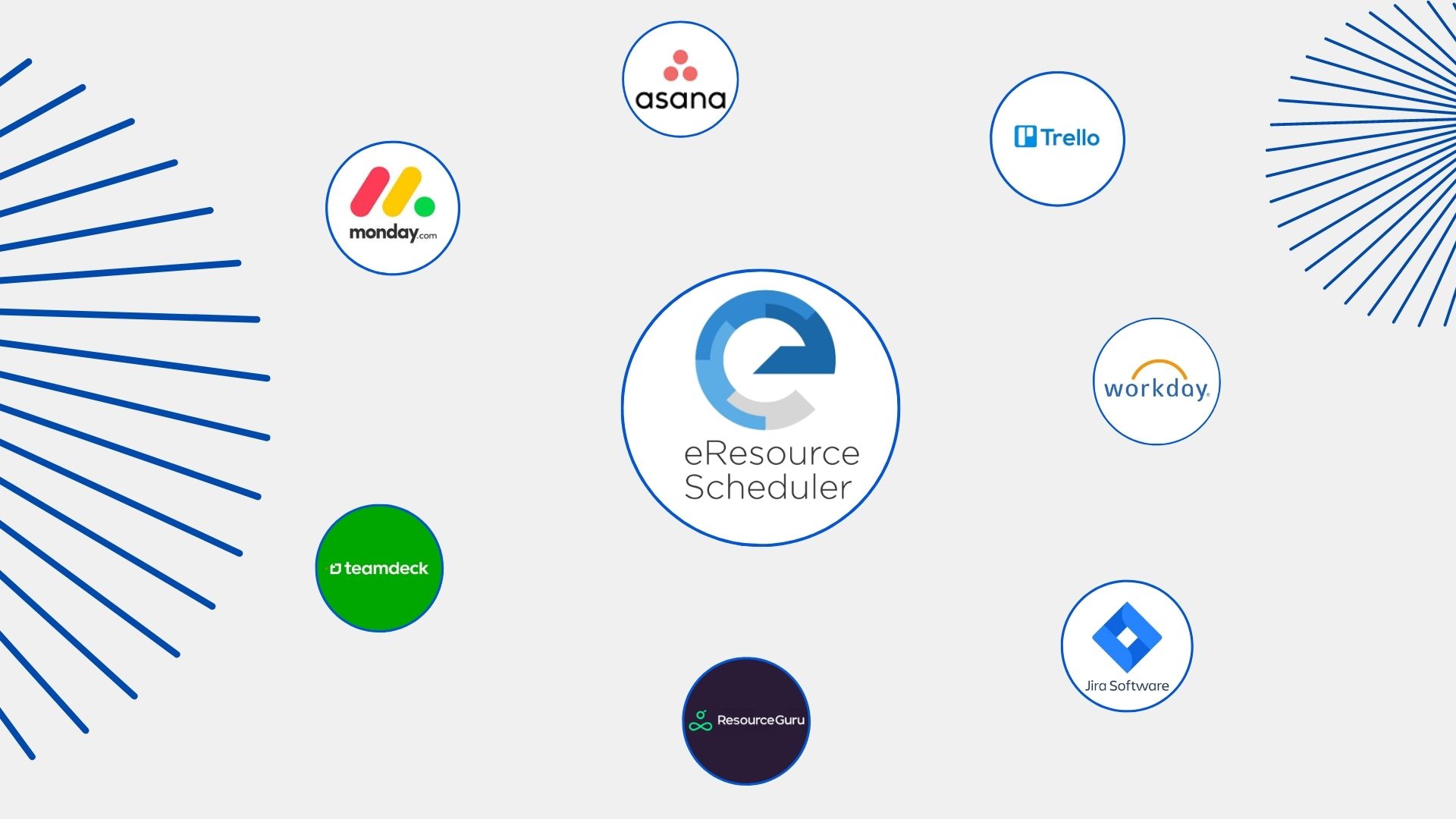
If shift-based hourly work is your reality and is likely to stay that way, Homebase, Deputy, or When I Work will serve you well without asking you to pay for capability you will never use. Project-based work where capacity shifts by the week and utilization matters more than clock-in times needs a different kind of tool. eResource Scheduler and HubPlanner both give you the capacity view a rota app was never designed to provide.
So before you commit, ask where your team is headed to, not where it stands today. If you are hiring across new locations, taking on new project types, or expecting headcount to jump within a year, weigh this against how well the gap can grow with you, not what it costs today.

Plan Smarter. Schedule Faster. For Free.
Join thousands already using eResource Scheduler to align teams, time, and tasks seamlessly.
 ALL FEATURES INCLUDED