Learn more
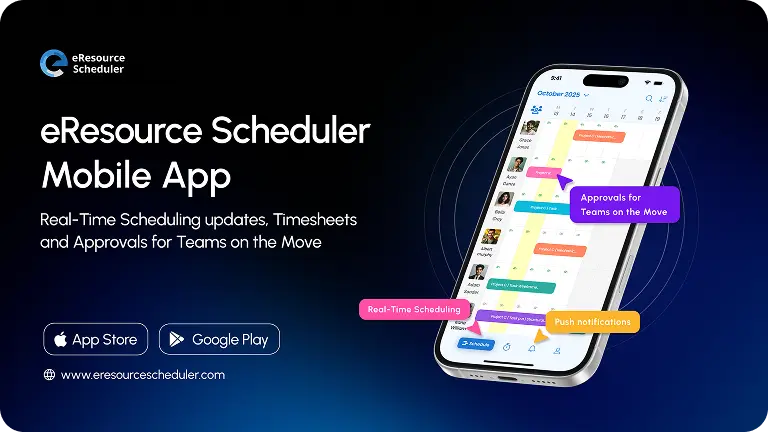
The eResource Scheduler mobile app is up and running on iOS and Android.
View your schedule, manage bookings, submit timesheets, and stay notified all from your phone.
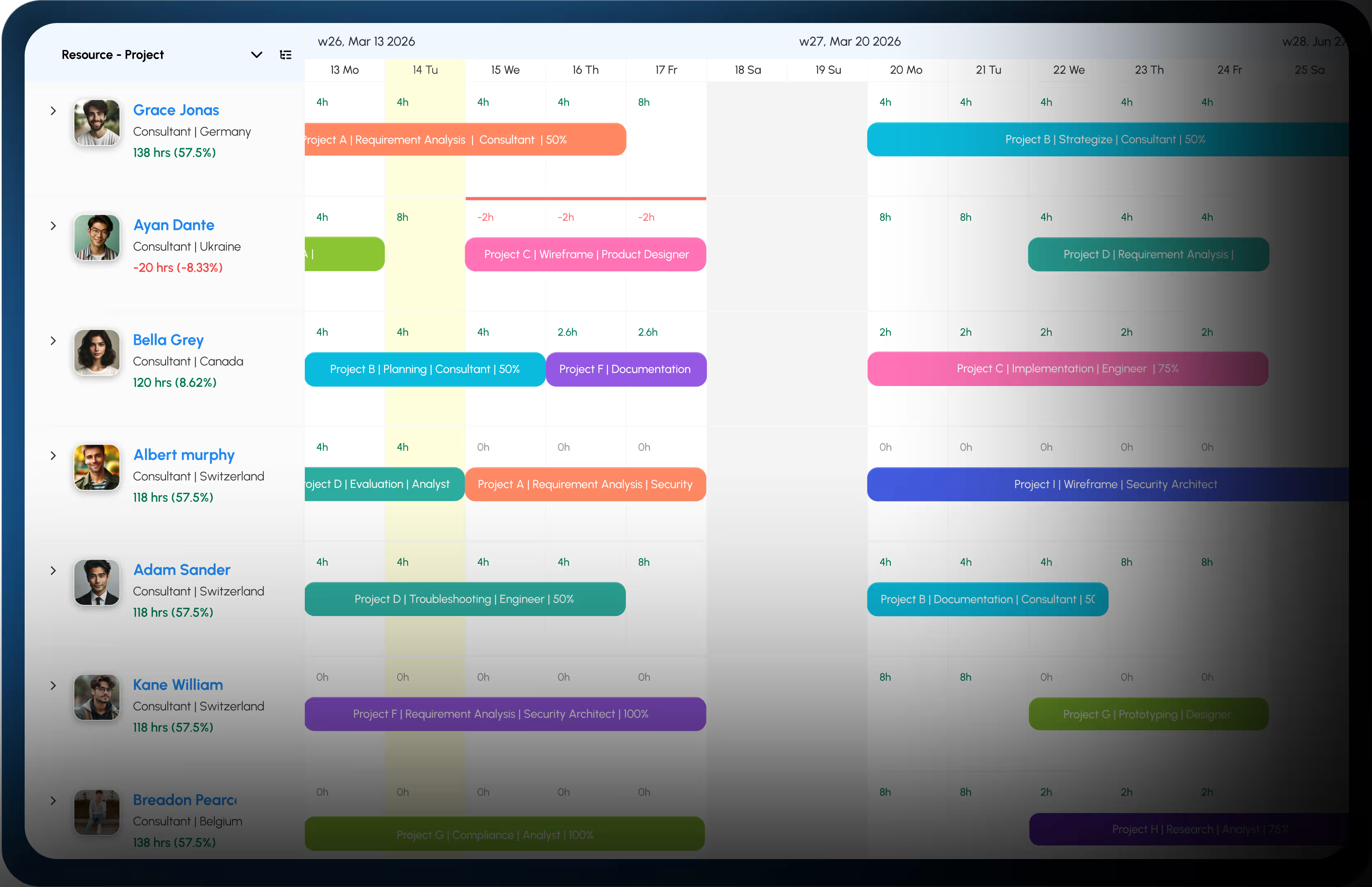
The app keeps everything in sync with the web, so no matter where you are, you always have the full picture.
Your full schedule is available the moment you open the app. Switch between daily, single resource view, and multi resource view with a single tap.
Use the Multi-Resource View to see your entire team’s bookings and availability at once. Switch to Single-Resource View to focus on one person in detail.
To create a new booking, long-press and drag directly on the schedule. To edit an existing one, tap it to open the booking form and make your changes. Everything syncs instantly with the web.
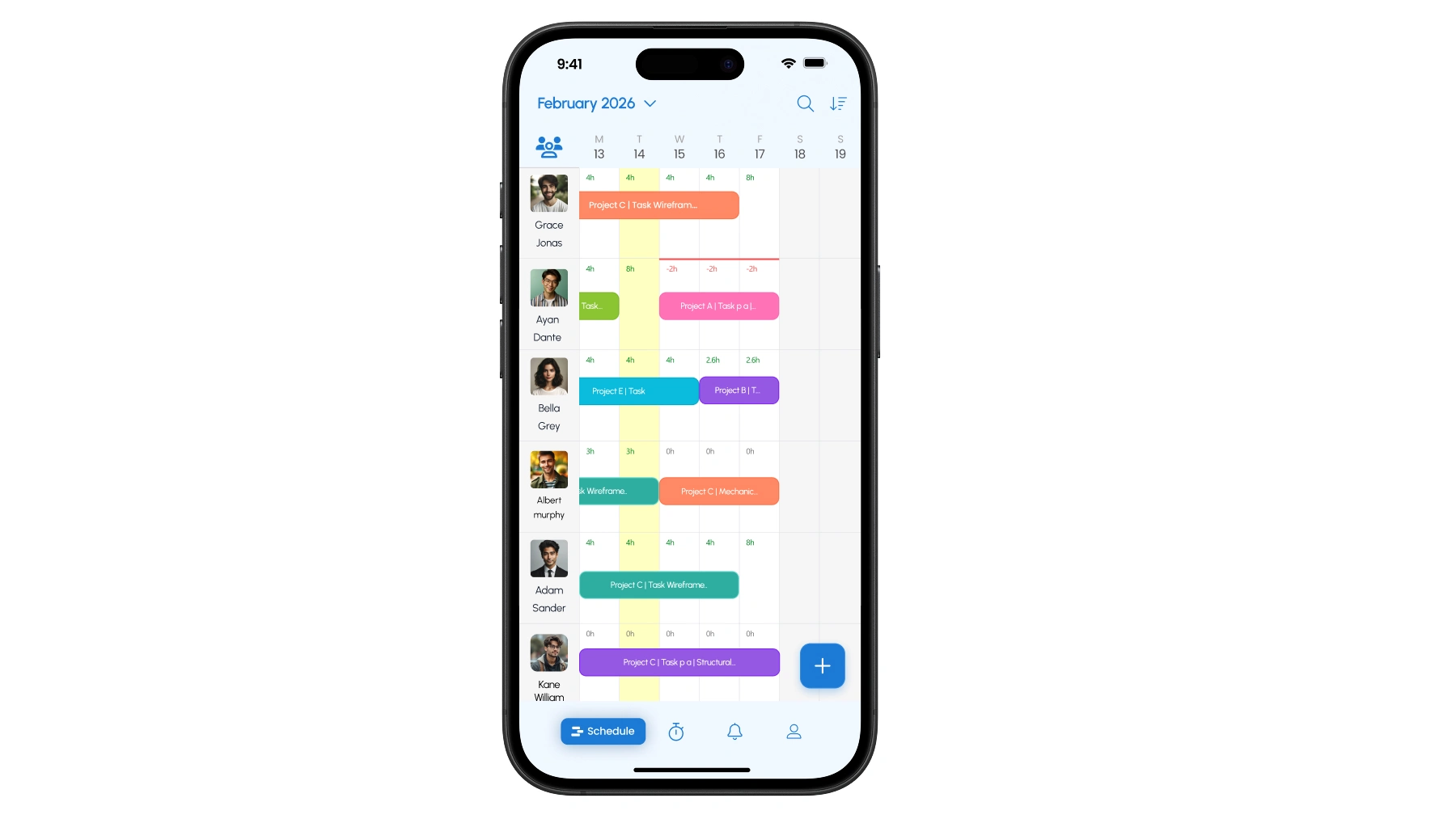
Use the filter and sort options in the top right corner of the Schedule to narrow down by project or resource before making changes.
Resources can log hours directly from the app. Tap the + icon at the bottom, select a project, verify the hours, fill in all necessary details, and hit Submit.
Managers can swipe to approve or reject individual entries. For larger queues, bulk submit & approval let you process multiple timesheets at once without switching to desktop.
You can comment directly on any timesheet entry inside the eResource Scheduler app. Questions and clarifications happen in the same place as submissions and approvals, so nothing gets delayed.
To submit hours for all visible time entries at once, tap Log all at the bottom of the Log time tab instead of going entry by entry.
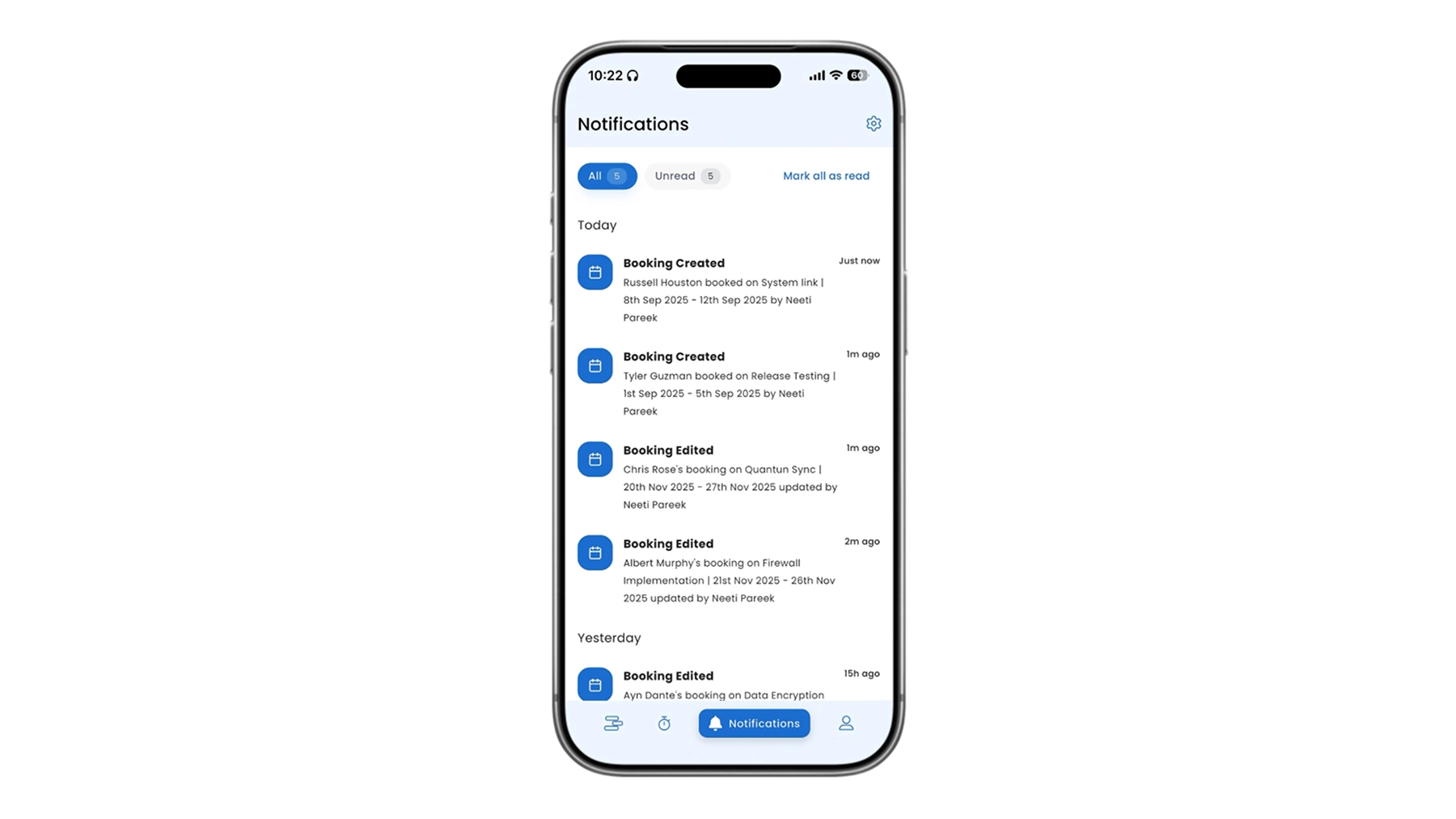
The eResource Scheduler mobile app sends push notifications as soon as something happens. A booking is updated, a timesheet is submitted, an approval is made and you will know immediately.
Tap the bell icon at the bottom of the screen to open your notifications. A dot appears on the icon when there are unread updates. You can also customize which notifications you receive so you only get alerts that are relevant to you.
Sign in with your existing eRS credentials. Your permissions and access levels carry over exactly as set on the web. One account, one source of truth across every device.
From your profile icon, you can:
The eRS mobile app is available now on iOS and Android. Download it and sign in with your existing eRS credentials to get started.


 ALL FEATURES INCLUDED