Learn more

Whether your business employs 10 or 100 people, one of the biggest challenges you face as a project manager and business owner is undoubtedly resource management. While resource planning may appear simple at first glance, it's one of the most tedious and complicated tasks in the entire project lifecycle.
Resource planning is indeed overwhelming when it comes to handling resource requests for a dozen different projects, conflicting priorities, underused and overused resources, full-time workers, remote workers, freelancers, and vendors. And, to add to the resource planning woes are vacations, sick leaves, and last-minute client demands.
Efficient resource management is indeed tricky and requires expert assistance. This is where resource planning and scheduling software can be a lifesaver. Before we help you choose the right resource scheduler for your business, let's take a quick look at a few basics.
Resource management software, also known as resource scheduler, such as eResource Scheduler, is a branch of project management software. It helps businesses track and monitor the availability of resources; identify key skills of the resource pool so that it's possible to allocate the right resource for the right projects.
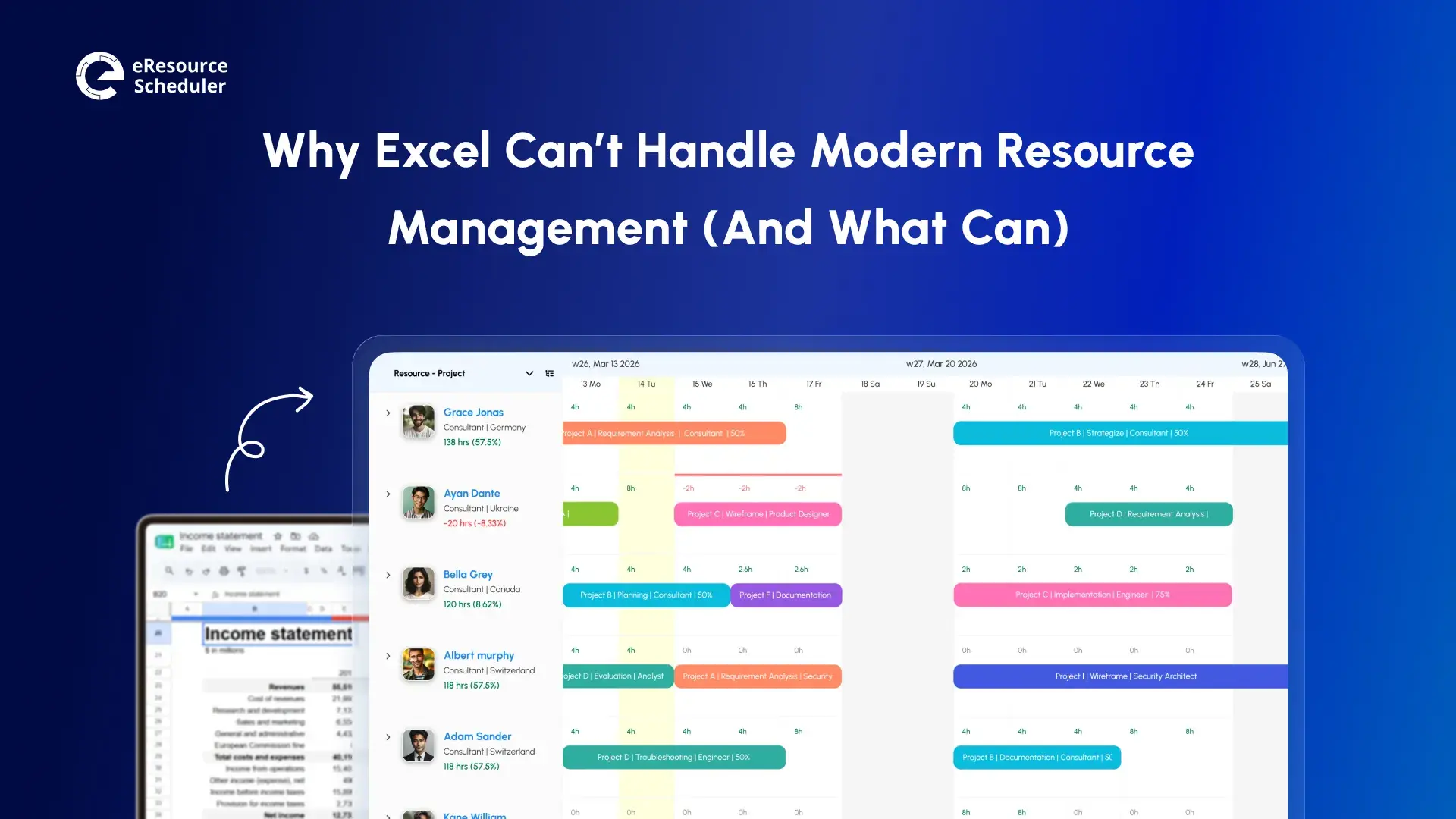
With the right tool, you can eliminate the need for complex spreadsheets and manual logs. The biggest problems with manual resource allocation are that it's time-consuming, highly inefficient, outdated, irrelevant and lagging.
With effective resource management software, you can optimize the use of your resource pool, matching the right resources to the right tasks. Now that you understand the benefits, it's time to pick the right one that suits your business requirements.
As a business, you would probably spend a lot of time, money, and effort hiring the right resources for your organization. But, all your efforts go for naught if you don't make optimum use of the available resources.
Look for resource management software that makes it easy and efficient to allocate various resources for the project. With proper scheduling, you can get more work done with fewer hands, thereby increasing your overall turnover and revenue
One of the biggest objectives of using resource management software is to make your tasks easier. Look for resource allocation tools that have an easy-to-use and customizable dashboard. This way, all the relevant, real-time information is easily accessible, right before you, on a single screen.
The dashboard must be able to provide you with real-time and accurate insight into resource availability, resource capacity, project progress and other key factors that you need.
Today, businesses are no longer restricted to a single office space. With globalization, more and more businesses have multiple offices spread across the world. And, with remote working on the rise, you may have employees who don't come into the office. And, not to forget freelancers, contract workers, third-party vendors and on-field workers who are all part of the project.
Additionally, there may be an overlap of resources between teams. For instance, a particular person may work on back-end and front-end for two different projects, and so on.
The resource scheduler you choose must be able to provide you with a unified view of all the resources in your organization. Look for resource management tools that have a centralized directory of your resources specifying key details like skills, qualifications, experience, certification, and other details about all resources.
A centralized directory makes it easy and efficient to identify the right resources, even when they are spread across offices and teams.
As a business, you are likely to handle several projects simultaneously. These projects may be in various stages of completion and utilize different resources at any given time.
Look for resource schedulers that give you a complete list of projects, so that you can prioritize resource allocation accordingly. Additionally, having a centralized overview of all the projects gives you accurate and clear visibility that helps you make the right decisions for the on-time completion of projects.
The resource management tool you use must be able to provide you with accurate resource utilization reports. This information has to be available in real-time so that you can avoid under- or over-utilizing resources.
These reports will help you make key decisions about the project regarding resource allocation. Additionally, you can also use these reports to make efficient hiring plans for a short, medium, and long-term basis.
Resource scheduling, project allocation, and reporting are confidential data. You don't want them to be available to everyone on the project. Look for resource management software that has various levels of user access.
For instance, an entry-level developer must only be able to see the tasks assigned to him/her, the timeline for completion, and so on. On the other hand, project managers must not just have view rights but also edit rights, so that they can shift resources around, as and when required.
The resource planner you choose must be able to accommodate a wide range of resources - both human and nonhuman. For instance, a meeting room is also a resource and needs to be scheduled so that two teams don't book it at the same time. Similarly, the working time of a full-time employee will be different from a part-time contractor. The tool you choose must be able to accommodate it all.
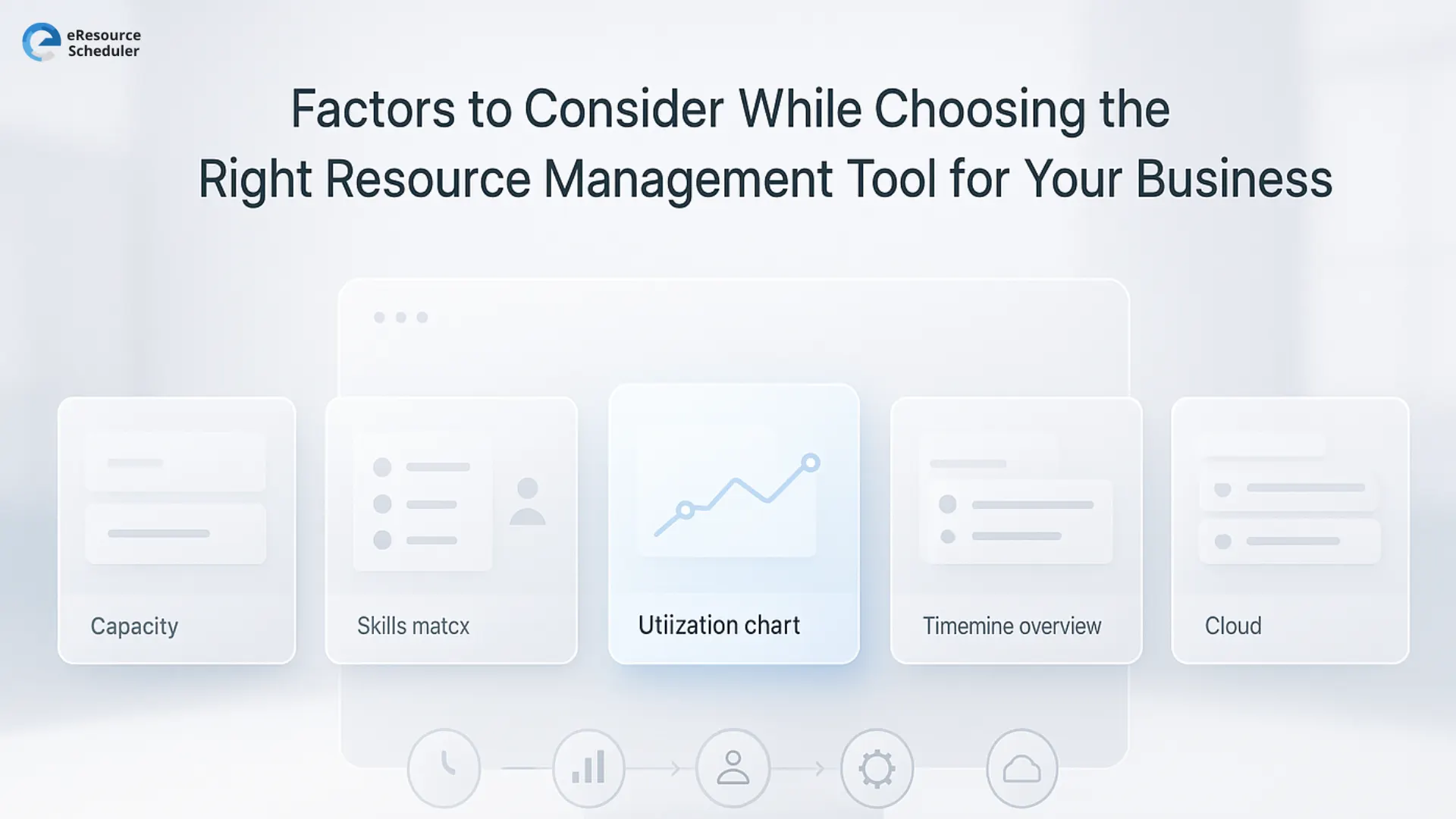
Apart from these seven crucial features, the other factors to consider while choosing a resource management tool are:
The right resource management software doesn’t just keep projects on track. It sharpens decision-making, eliminates operational drag, and brings clarity to a system that can otherwise get messy fast. When leaders get a unified view of people, skills, workloads, timelines, and constraints, execution stops being reactive and starts becoming intentional.
If the goal is a team that runs lean, delivers consistently, and scales without chaos, the tool you pick becomes a strategic advantage. This is where a platform like eResource Scheduler can quietly change the game for growing teams.
Want to see how eResource scheduler fits into your workflow in real conditions? Explore it with a 14-day free trial and pressure test every feature before committing.
1. What features should a resource management software have?
A strong resource management software should offer efficient scheduling, a simple and customizable dashboard, a centralized view of all resources, a unified project list, real-time utilization reports, flexible user access levels, and support for different resource types and working timings. These features help teams allocate smarter and avoid bottlenecks.
2. Why do businesses need resource management software?
Businesses need resource management software to replace slow manual scheduling, reduce under- or over-allocation, and gain visibility across teams, skills, and projects. It streamlines planning, supports better hiring decisions, and improves how quickly teams respond to shifting project demands.
3. How does a resource scheduler improve project delivery?
A resource scheduler brings clarity to who is available, what skills they bring, and how workloads are distributed. This prevents scheduling conflicts, helps teams stay within timelines, and ensures that the right people work on the right tasks. The result is steadier delivery and fewer last-minute scrambles.
4. Can resource management tools handle remote teams and multiple locations?
Yes. Modern resource management tools are built to support distributed teams. They offer a centralized directory that captures skills, experience, and availability across locations, departments, contractors, freelancers, and remote employees.
5. What is the difference between manual resource planning and using a resource management tool?
Manual planning relies on spreadsheets and static logs that quickly become outdated. A resource management tool provides real-time data, automated scheduling, utilization insights, and scenario planning. This removes guesswork and gives leaders an accurate picture of workloads and capacity at any moment.

Plan Smarter. Schedule Faster. For Free.
Join thousands already using eResource Scheduler to align teams, time, and tasks seamlessly.
 ALL FEATURES INCLUDED