Staff scheduling applications can be stressful, but a digital solution simplifies it significantly. We compiled the top 9 scheduling solutions to assist you in selecting the best tool for your company!
Most teams don’t struggle with scheduling because of effort. They struggle because the system behind it can’t keep up.
Employee scheduling sits at the core of operations. It decides who works on what, when, and at what cost. As teams move across locations, time zones, and flexible work patterns, manual methods and fragmented tools break down fast. That’s where modern staff scheduling applications step in.
Today’s tools go beyond shift planning. They bring structure to task allocation, visibility into capacity, and logic to decision-making simply because access is no longer a constraint. With mobile and desktop parity, schedules stay connected to the people who need them, in real time. This way updates flow instantly, dependencies stay visible, and execution becomes predictable.
But here’s where most buying decisions go wrong. Teams evaluate features in isolation instead of looking at how scheduling connects to capacity, utilization, budget, and delivery outcomes. The gap shows up later as overbooked teams, missed timelines, and reactive planning.
Staff scheduling applications are purpose-built workforce management tools that automate how teams plan, assign, and track shifts. In a survey of workforce scheduling and routing problems, modern systems replace manual planning with algorithm-driven optimization, improving efficiency and reducing errors, especially in complex, shift-based environments like healthcare, services, and field operations.
These systems help organizations optimize workforce deployment and improve labor visibility, and help reduce scheduling errors and labor costs through automation.
Market Signal
With the market projected to grow from $2.5B in 2024 to
over $10B by 2032, adoption is
accelerating across shift-based industries. (Source)
In order to compile this list, we took into consideration factors like features, pricing, ease of use, and customer reviews. There are a number of tools on this list that can assist you with managing swap tasks and tracking employee attendance.
Select the best staff scheduling applications and tools for your company and see how they can boost productivity and efficiency.
eResource Scheduler is an enterprise resource management and scheduling software that simplifies resource scheduling for organizations that have their people working on multiple projects. eResource Scheduler combines resource scheduling with features like timesheets, financials, capacity planning, and management reports to give leaders a comprehensive overview of their workforce and ultimately make the best possible data-backed business decisions.
Trusted by several million-dollar organizations, by far eRS is the most user-friendly staff scheduling application, making employee scheduling simple and quick. Save time by using the calendar view, drag-and-drop options, and the cut-copy-paste feature. eRS is flexible and can be used to manage remote or in-house teams.
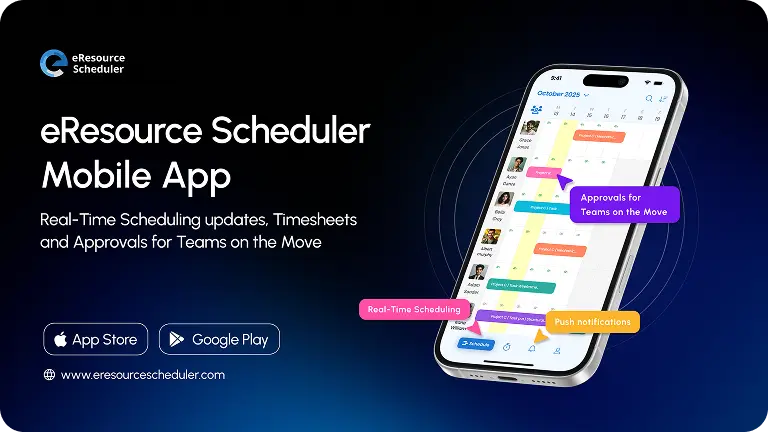
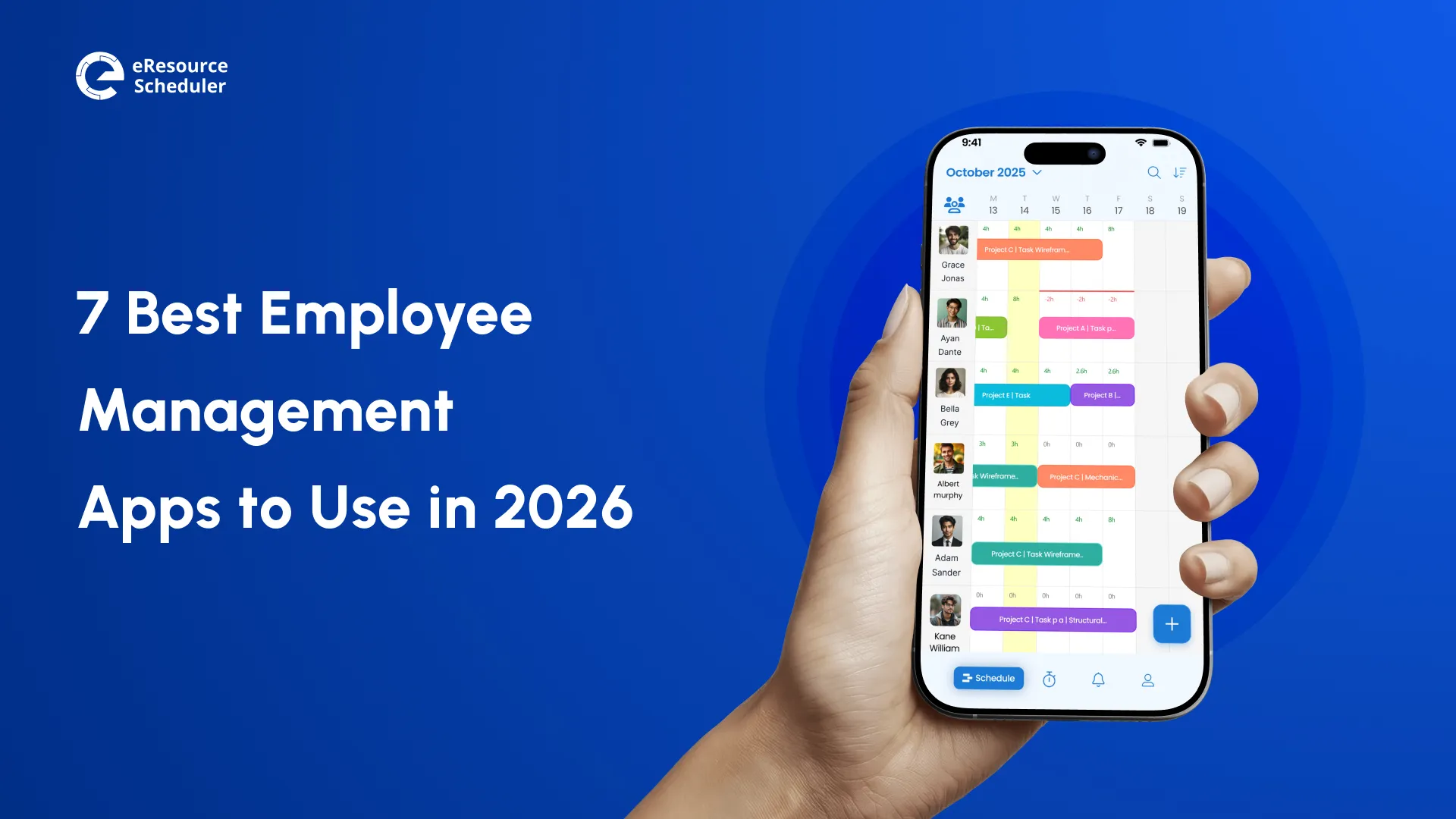
Because of its robust mobile app, eResource Scheduler makes resource scheduling convenient and possible on the go.
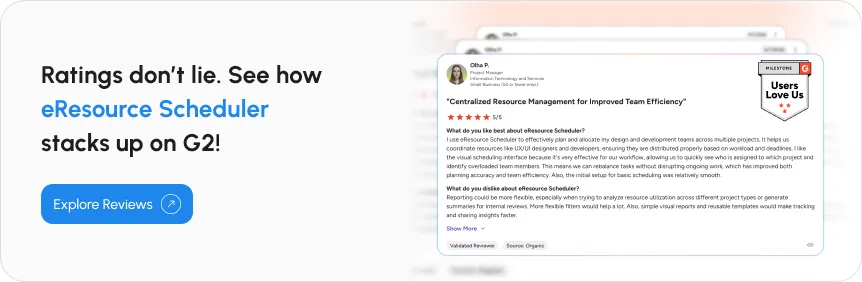
There are numerous advantages of using eResource Scheduler. First and foremost, it is very user-friendly and simple to navigate. This means you can make schedules quickly and easily without having to spend hours learning how to use the software. You can book a quick demo to see eResource Scheduler in action!
This is a solution that provides numerous benefits to businesses of all sizes. The software's ease of use and adaptability make it ideal for businesses that need to recruit and onboard new employees.
As the workforce becomes more diverse, the need for staffing software becomes more apparent. This tool offers an easy and efficient way to schedule and track employee hours.
This is a simple and formidable software that allows you to easily plan, organize, and manage your weekly business tasks. It is one of the best employee scheduling software for small businesses because it not only allows you to visualize weekly schedules but is also customizable to your specific needs.
This is ideal for small businesses on a tight budget, in addition to being a useful task-scheduling tool. You can easily improve your employees' performance by integrating the software with third-party tools for increased productivity.
Considered as one of the best staff management software because it also includes employee monitoring to help you track the performance of your employees.
This software is adaptable, and you can use it to manage both remote and in-house employees. Its transparency distinguishes it because users can easily communicate and ensure that urgent tasks are completed within the agreed-upon time frame.
To summarize, this tool assists in identifying skill gaps and enables managers to easily fill these gaps with resources and technology. Employee monitoring software motivates employees by using the right tone at the right time.
Paycor Scheduling allows managers to focus on what matters most: increasing productivity and lowering labor costs. The built-in reporting provides insight into task hours and costs, and this scheduling software also includes AI for assigning the right staff to a task based on historical data.
If you want to efficiently organize your team, communicate in real-time, and maximize productivity, Paycor might just be the tool that you are looking for because its ability to allow employees to put in their hours and request paid time off is one of its distinguishing features.
A well-rounded and time-efficient staff scheduling application. It also integrates easily with other business systems.
This tool ensures time and attendance tracking. You can see who showed up for work, who was late, and who was absent. As a result, you can quickly find replacements for urgent tasks and record accurate timesheets for accurate payroll.
Humanity is simple to use and allows you to edit and check schedules directly from your phone. It is simple to manage schedules, employee availability, shuffle tasks, and day-off requests.
Humanity is a platform for employee scheduling, timesheets, tasking, and communication. It has several features that can assist you in making better staffing decisions. Its powerful reporting capabilities make it simple to analyze staffing data.
Homebase includes a variety of features such as scheduling, timesheets, time clocks, and messaging, but it also includes recruiting software that can post to online job boards. It can also sync data from a variety of payroll and point-of-sale systems.
In terms of employee scheduling, the software allows you to easily and instantly communicate with your employees, reducing the possibility of errors and confusion.
Simplifies organizing employees into teams and viewing the schedule by role or department. This is especially useful for businesses such as restaurants, which need to know whether they have enough back-of-house staff versus front-of-house staff on the schedule.
Designed specifically for employee time tracking. The software is compatible with both desktop and mobile devices, making it simple for users to manage their schedules while on the go. The software is appropriate for managing remote employees' schedules because it includes instant alerts to help you quickly notify your workers of any changes if necessary.
| Software | Best For | What Sets It Apart |
| eResource Scheduler | Project-driven teams, enterprises | Combines scheduling with financials, timesheets, and utilization visibility |
| Connecteam | Growing teams, onboarding-heavy businesses | Strong focus on workforce coordination and onboarding workflows |
| monday.com | Small businesses | Highly customizable with flexible workflows and easy setup |
| DeskTrack | Remote and performance-focused teams | Adds performance tracking alongside scheduling |
| Paycor | Data-driven workforce planning | Uses historical data to assign the right staff to tasks |
| Deputy | Time and attendance tracking | Strong visibility into attendance and shift coverage |
| Humanity | Mobile-first scheduling | Easy schedule management with strong reporting capabilities |
| Homebase | Retail and restaurant teams | Built for role-based scheduling and team communication |
| QuickBooks Time | Time tracking and remote teams | Focuses on time tracking with simple scheduling capabilities |
The cost of staff scheduling applications in 2026 is less about price and more about scale, complexity, and depth of capability. Entry-level tools still exist, often bundled within platforms like Google Calendar or Google Sheets, but they’re built for simplicity, not operational load. Once team size, shift variability, or project dependencies increase, these tools start creating more friction than value.
Modern platforms typically follow a per-user pricing model, with costs increasing as capabilities expand into forecasting, compliance, and capacity planning. But pricing alone is the wrong lens. According to Gartner, the ROI of workforce technologies is shifting from simple cost savings to “integrated decision-making, compliance assurance, and cross-functional visibility.” (Source)

The tools on this list go beyond basic scheduling. They shape how teams operate, collaborate, and deliver. But not all platforms are built the same. Feature sets vary widely, and the right choice depends on how closely the tool aligns with actual operational needs, not just surface-level functionality.
The shift in 2026 is clear. Scheduling alone is no longer enough. Leading teams look for platforms that connect scheduling with capacity planning, visibility, and execution. This is what drives productivity, strengthens employer perception, and creates a more predictable operating rhythm.
If you need more than just staff scheduling software, you might want to consider an all-in-one resource scheduling tool. For example, eResource Scheduler allows you to manage employee communication as well as daily tasks and checklists, along with real-time resource availability and a mobile app for convenience.
1. What is staff scheduling software and how does it work?
Staff scheduling software helps businesses plan who works when. Instead of using spreadsheets or manual methods,
it lets managers create schedules based on availability, roles, and workload. Many tools also update schedules
in real time, so changes, swaps, and conflicts are handled quickly.
2. Which staff scheduling software offers the best features for small businesses?
For small businesses, the best tools are simple to use but still cover the basics well. Look for features like
easy shift creation, availability tracking, and mobile access. Tools that can grow with the business and connect
with payroll or HR systems usually offer better long-term value.
3. What are the key features to look for in staff scheduling applications?
The most useful features include shift planning, availability tracking, and alerts for scheduling conflicts.
Good tools also offer reports to track hours and workload, along with mobile access so teams can check schedules
on the go. Integrations with other systems can save time as operations scale.
4. How does staff scheduling software improve workforce efficiency and reduce costs?
It cuts down time spent on manual scheduling and helps avoid overstaffing or gaps in coverage. Managers can see
who is available and assign shifts more accurately. This leads to better use of time, fewer errors, and more
control over labor costs.
5. Can staff scheduling software integrate with payroll and HR systems?
Yes, most modern tools connect with payroll and HR systems. This means employee data, work hours, and schedules
stay in sync without manual updates. It helps reduce errors and keeps everything consistent across systems.

Plan Smarter. Schedule Faster. For Free.
Join thousands already using eResource Scheduler to align teams, time, and tasks seamlessly.
 ALL FEATURES INCLUDED