Learn more
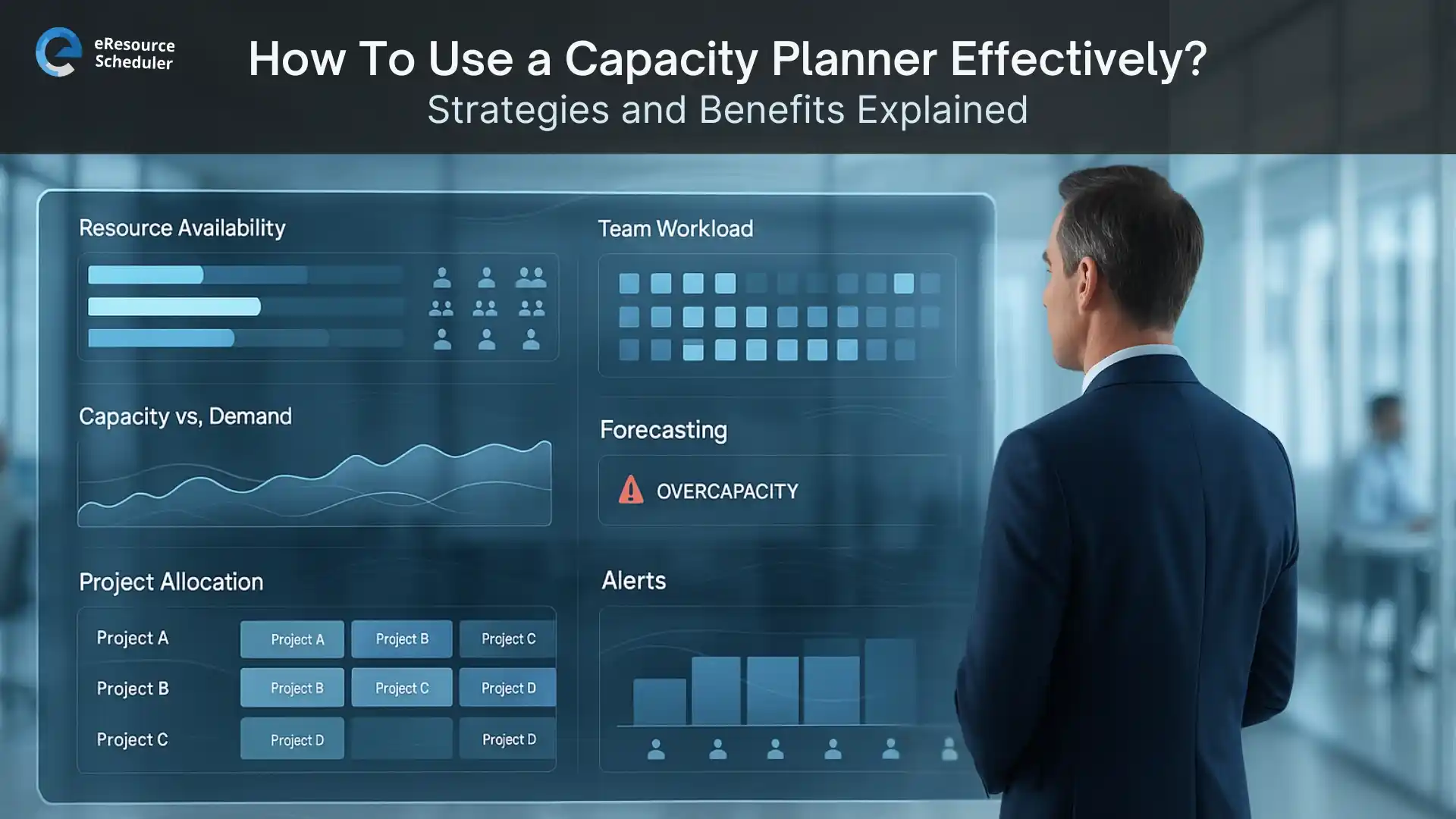
Capacity planning might sound like something only big consulting firms obsess over, but let’s be honest. Every team has had that moment where someone says “We’ll figure it out” and suddenly the entire week looks like a survival show. A capacity planner exists to stop exactly that. It tells you who’s free, who’s overloaded, and who’s five minutes away from throwing their laptop out the window.
When it works with a solid resource management software , you stop running on hope and start running on actual visibility. No more surprise deadlines. No more mystery workloads. No more “I thought you were handling that” moments that haunt every Monday stand-up. Instead you get a clear picture of what your team can realistically deliver, and the confidence to say yes only when it makes sense.
Capacity planning has become the quiet hero of modern teams. Workloads move faster than ever, projects shift without notice, and every department seems to have its own definition of “urgent.” Without a clear view of who can actually take on what, teams end up running in circles and calling it productivity. A capacity planner cuts through all that noise. It replaces guesswork with real numbers, real hours, and real limits.
The truth is that most teams don’t fall apart because of lack of skill. They fall apart because no one knows who is doing what, when things are due, or how much time is actually available. That’s where capacity planning steps in. It helps teams avoid unrealistic commitments and keeps deadlines grounded in reality instead of optimism.
There’s another reason capacity planning matters so much today. Hybrid work. Remote work. In-office work. Half-in-office work. Whatever new work culture appears this quarter, it usually brings more moving pieces and more confusion. A capacity planner brings clarity back into the mix. It gives managers a real sense of balance so they can stop overloading the same people and underusing the rest.
Simply put, capacity planning keeps teams sane, aligned, and prepared instead of stressed, scattered, and reactive.
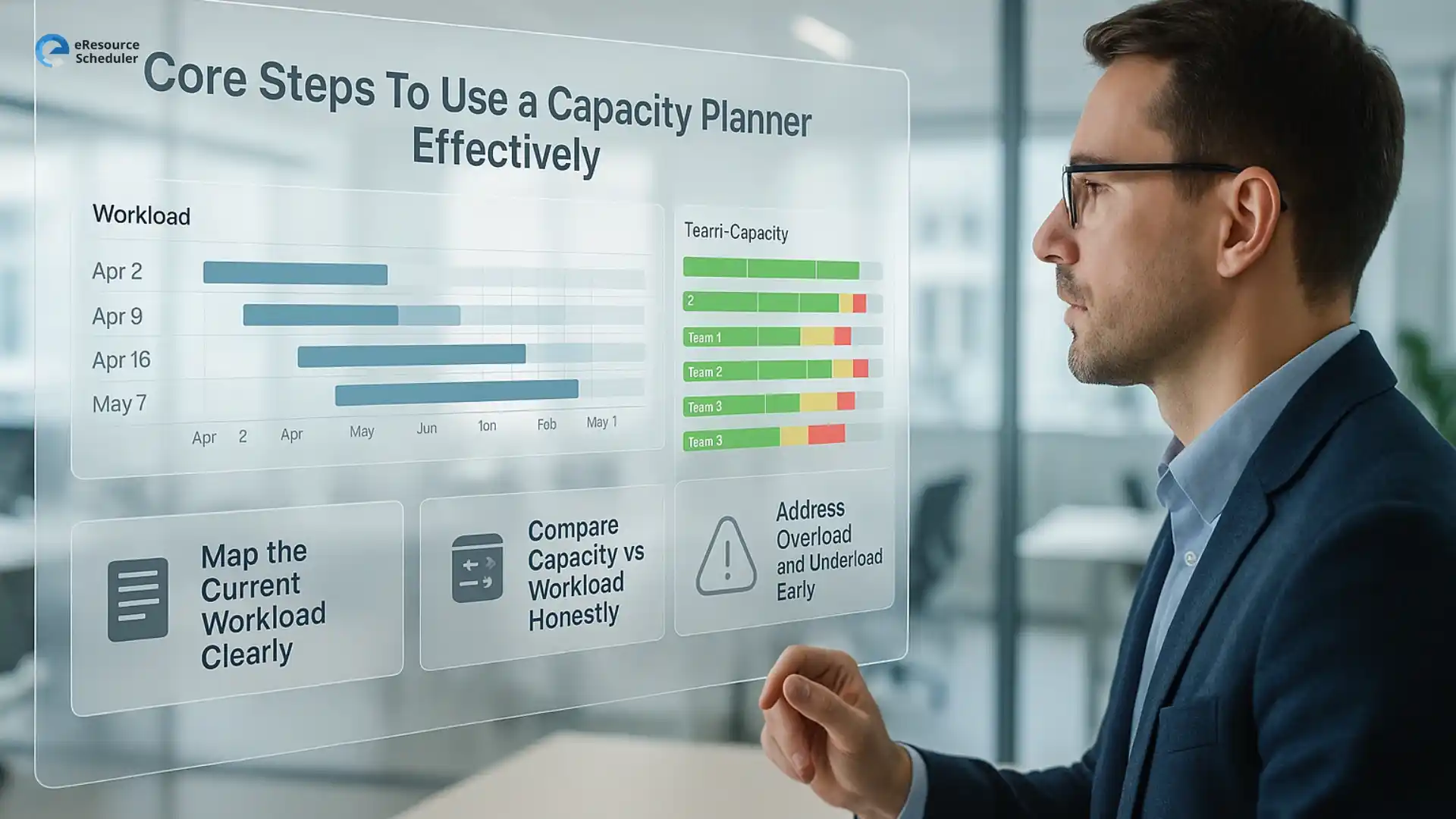
This is the part nobody enjoys, but everyone benefits from. List out everything your team is working on. Not the “official” list from a PowerPoint deck, the real list. The tasks hiding in chat threads. The side projects that magically became priorities. The favours someone said yes to under pressure. A capacity planner only works when the truth is on the table.
Teams don’t have the luxury of planning for just this week. Clients shift timelines, new requests show up uninvited, and internal projects take unexpected turns. Use your capacity planner to forecast what’s coming next.
Here are questions that help:
This is the moment of truth. A capacity planner shows how many hours you actually have. Compare that with the work coming your way. If the numbers don’t match, the planner isn’t wrong. The workload is. This is where managers adjust timelines, shift priorities, or redistribute tasks before things get messy.
A team sees a heavy design sprint coming up next month. The capacity planner shows their only designer is booked at 115 percent. Instead of waiting for the meltdown, the manager reassigns certain tasks, moves one deadline, and adds contractor support early. Crisis prevented.
Overload shows up in red, underload shows up in green, and both matter. Overloaded people burn out. Underloaded people lose interest. A capacity planner lets managers fix the imbalance before it becomes a real problem.
Simple fixes include:
Timelines usually fall apart because someone assumed the team had extra hours hidden somewhere. A capacity planner fixes that. It shows exactly how much time people actually have so timelines stop collapsing the moment a new request shows up.
Real capacity data also ends those “We can squeeze it in, right?” conversations that never age well. Instead of planning on energy and optimism, you plan on actual numbers.
Better timelines come from three things. Knowing who is available. Accepting that work never moves in a straight line. And giving teams enough room to handle delays without spiraling. A capacity planner brings all of this together so managers stop making promises they’ll regret later.
Teams get even better results when their capacity planner works alongside a reliable resource scheduling software that keeps schedules updated in real time.
eResource Scheduler is a resource management software that helps teams stay grounded in reality instead of guesswork. It puts every schedule and project in one clear view so capacity planning becomes a smooth, predictable process.
A capacity planner doesn’t just organize work. It changes how teams operate day to day. The moment you stop guessing and start seeing real numbers, the entire workflow feels lighter and more controlled.
Here are the benefits teams notice quickly:
The biggest win is confidence. When teams know their capacity, they stop working in survival mode and start operating with intention. Projects move cleaner, decisions feel easier, and the day-to-day workload stops feeling like a never-ending sprint.
Capacity planning only works when it becomes part of your team’s daily rhythm. With real visibility, workloads feel lighter, deadlines stay sane, and projects stop turning into fire drills. If you’re ready to make scheduling smoother, reduce last-minute chaos, and finally understand what your team can handle, book a demo of eResource Scheduler and see how the right visibility changes everything.
1. What is the main purpose of a capacity planner?
A capacity planner helps teams understand how much work they can take on without causing overload or delays. It compares available hours with upcoming tasks so managers can make clear, realistic decisions instead of guessing or reacting at the last minute.
2. Can a capacity planner help reduce burnout?
Yes. By showing who is overloaded and who has room to help, a capacity planner helps balance work more fairly. When tasks match actual availability, people avoid working late, rushing deadlines, or carrying hidden responsibilities that lead to burnout.
3. What data do you need for effective capacity planning?
Accurate availability, current workload, upcoming projects, and individual skill details create a strong foundation. With these inputs, capacity planning becomes more reliable and prevents teams from overcommitting or missing deadlines due to inaccurate assumptions.
4. Is capacity planning useful for hybrid or remote teams?
Absolutely. When teams work across different locations or schedules, visibility becomes even more important. A capacity planner helps managers understand who is available, when work can start, and how to distribute tasks fairly, no matter where people are working from.
5. How does capacity planning improve project timelines?
Capacity planning connects real availability to project goals. This prevents unrealistic timelines and reduces the chances of mid-project scrambling. It helps teams set expectations, plan resources smarter, and avoid the surprises that slow down delivery.


Plan Smarter. Schedule Faster. For Free.
Join thousands already using eResource Scheduler to align teams, time, and tasks seamlessly.
 ALL FEATURES INCLUDED