Learn more
Everyone has at least one unforgettable story about a shift that went completely off the rails. Maybe half the team showed up at the wrong time, maybe someone thought their shift magically swapped itself, or maybe the group chat turned into a full blown investigation about who was actually working today. We have all lived through that delightful chaos. This is exactly why teams now rely on a solid resource scheduler to keep things from spiraling.
A good staff scheduling app pulls every update, swap, shift, and change into one clear space so the whole team stops playing telephone with their calendars. Instead of people asking “Wait what time is my shift again” every few hours, they get a clean schedule, real time updates, and zero guesswork. The right tool makes the daily workflow feel less like juggling flaming tasks and more like working together with an actual plan. Suddenly the day moves smoother, fewer things slip through the cracks, and everyone finally knows what is going on without needing five reminders or a search party.
A staff scheduling app is the simple, sanity saving place where all shift related confusion finally retires. It shows who is working, when they are working, and what needs to happen without forcing the team to hunt through chats, reminders, sticky notes, or that one spreadsheet no one remembers updating. Think of it as the group’s official version of the plan, minus the usual “Wait I thought you said tomorrow” moments.
Instead of juggling random updates and hoping everyone gets the memo, a scheduling app gives people one clean, always updated space to check their shifts, understand changes, and stay aligned without constant back and forth. It is the modern workplace’s way of keeping everyone on the same page without making scheduling feel like a group project nobody signed up for.
Teams work better when scheduling stops feeling like detective work and starts behaving like an actual plan everyone can trust. A good app takes the everyday “Who is doing what” confusion and turns it into something clear, quick, and easy for the whole team to follow.
No more misread messages, last minute surprises, or trying to remember which version of the schedule was the final one. A scheduling app brings everything into one clean view so people stop guessing and start working.
Updates do not hide in random chats. Everyone sees the latest plan instantly, which means fewer mistakes and fewer “I had no idea this changed” reactions.
Benefits at a glance:

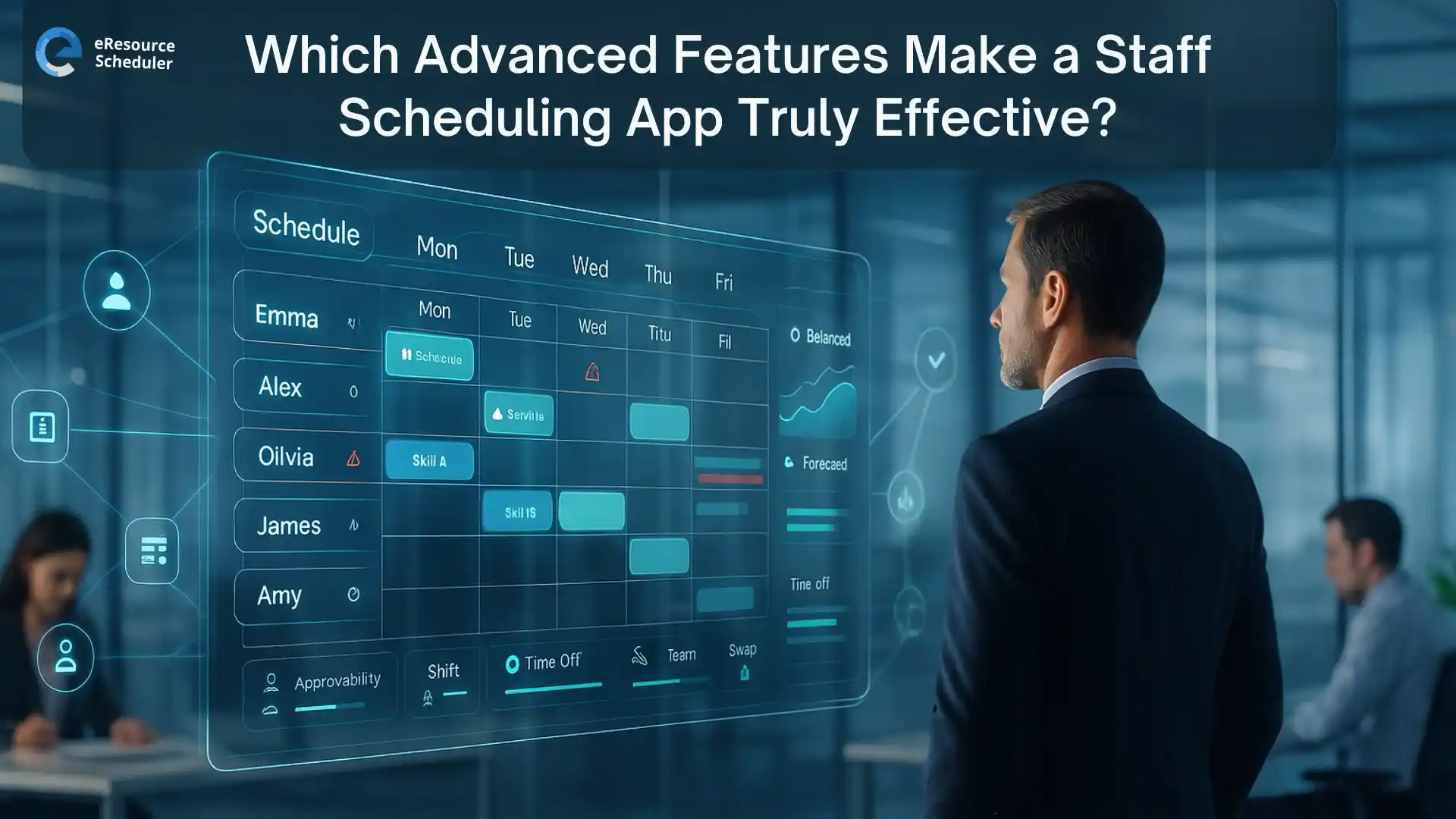
When a scheduling app offers more than simple shift updates, it stops being a basic tool and starts becoming something that genuinely supports the way teams work. It keeps plans clear, reduces confusion, and creates a workflow that feels easier for everyone to follow. eResource Scheduler is a resource scheduling software built around these kinds of advanced features, which is why this section breaks down the capabilities that actually make a scheduling app effective in real day to day work.
This is where scheduling stops being random and starts being intelligent. Instead of picking people just because they are available, the system considers skills, certifications, experience, and job fit so every shift gets the right person, not just the nearest person.
Good scheduling is not only about today. It is also about what the next few weeks are going to look like. Forecasting shows upcoming workload, demand patterns, and potential shortages before they cause chaos. It becomes even more powerful when connected to resource capacity planning , helping teams plan ahead instead of panicking later.
Heatmaps make workload problems painfully obvious in a good way. You can instantly see who is overloaded, who has room to help, and where the schedule has gaps waiting to cause trouble. It saves everyone from burnout and keeps staffing balanced without spreadsheets.
Teams do not work in silos anymore, and scheduling should not either. Sharing people across departments becomes much easier when everything is visible in one system. It prevents resource hoarding, speeds up project delivery, and helps teams support each other without the usual back and forth.
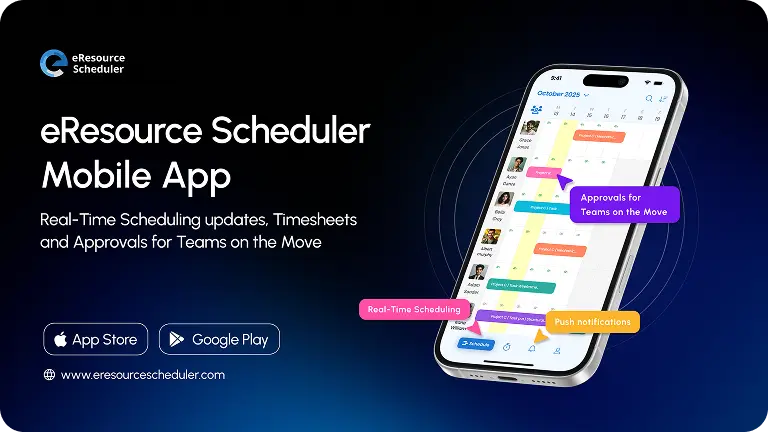
Work does not stop when someone steps away from their desk. A strong mobile app lets people check schedules, review updates, and stay in the loop from anywhere. It keeps the entire workflow moving so shifts stay on track even when the team is on the go.
When advanced features start doing the heavy lifting, the whole scheduling experience changes for the better. Work feels clearer, faster, and way less confusing for everyone involved.
Once the advanced features settle into the daily workflow, the smaller improvements start showing up too. These are the little wins that make work feel smoother without anyone consciously noticing what changed.
People feel better when they actually know what is happening. Clear schedules reduce stress, fewer surprises show up at the last second, and the team gets a sense of predictability that makes workdays feel less exhausting.
Attendance becomes more reliable when everyone works from one updated schedule instead of juggling different versions floating around in chats or inboxes. With every shift, change, and update sitting in one place, people stop mixing up timings or showing up on the wrong day.
A single source of truth keeps the whole team aligned, reduces accidental no shows, and eliminates the classic “I thought this was tomorrow” confusion that happens when schedules live in too many places.
Advanced features are what transform a basic shift tool into something that genuinely supports the way teams work. When scheduling software can match the right skills, predict workload, spot gaps early, and keep everyone aligned through a clean mobile experience, the entire workflow becomes calmer and more reliable. People stop second guessing the plan, updates stop getting lost, and work feels more organized without anyone having to chase information. It is the kind of clarity that changes how teams operate every single day. Schedule a personalized eResource Scheduler demo to see how smoother scheduling can help your team feel more confident, more prepared, and far less stressed.
1. What should I look for in a staff scheduling app?
A good scheduling app should keep shifts clear, reduce confusion, and make updates easy for everyone. Look for features that help with skill matching, forecasting, workload visibility, and mobile access. These capabilities make scheduling more accurate and reduce the last minute chaos teams often deal with.
2. How do advanced features improve scheduling for teams?
Advanced features help teams avoid confusion by showing clearer availability, highlighting workload issues, and keeping everyone updated in real time. They also improve long term planning by predicting future staffing needs, making the overall workflow smoother and less stressful for both managers and team members.
3. Why is forecasting useful in staff scheduling?
Forecasting helps teams understand upcoming workload and demand before it becomes overwhelming. It shows trends, busy periods, and potential shortages so teams can prepare early. This allows for better planning and fewer scheduling surprises that disrupt the workday or lead to unnecessary last minute adjustments.
4. Do mobile scheduling tools make a real difference?
Yes. Mobile access makes scheduling more flexible because people can check updates, confirm shifts, and adjust plans without being tied to a desk. It keeps communication fast and reduces the chances of missed messages or outdated information, especially for teams that work on the move.
5. How do advanced scheduling tools reduce errors?
Advanced tools catch potential issues early by analyzing availability, workload, and skill fit. They prevent double bookings, highlight gaps, and keep everyone aligned with real time updates. This reduces manual mistakes and makes scheduling more reliable, especially in fast moving or multi team environments.

Plan Smarter. Schedule Faster. For Free.
Join thousands already using eResource Scheduler to align teams, time, and tasks seamlessly.
 ALL FEATURES INCLUDED